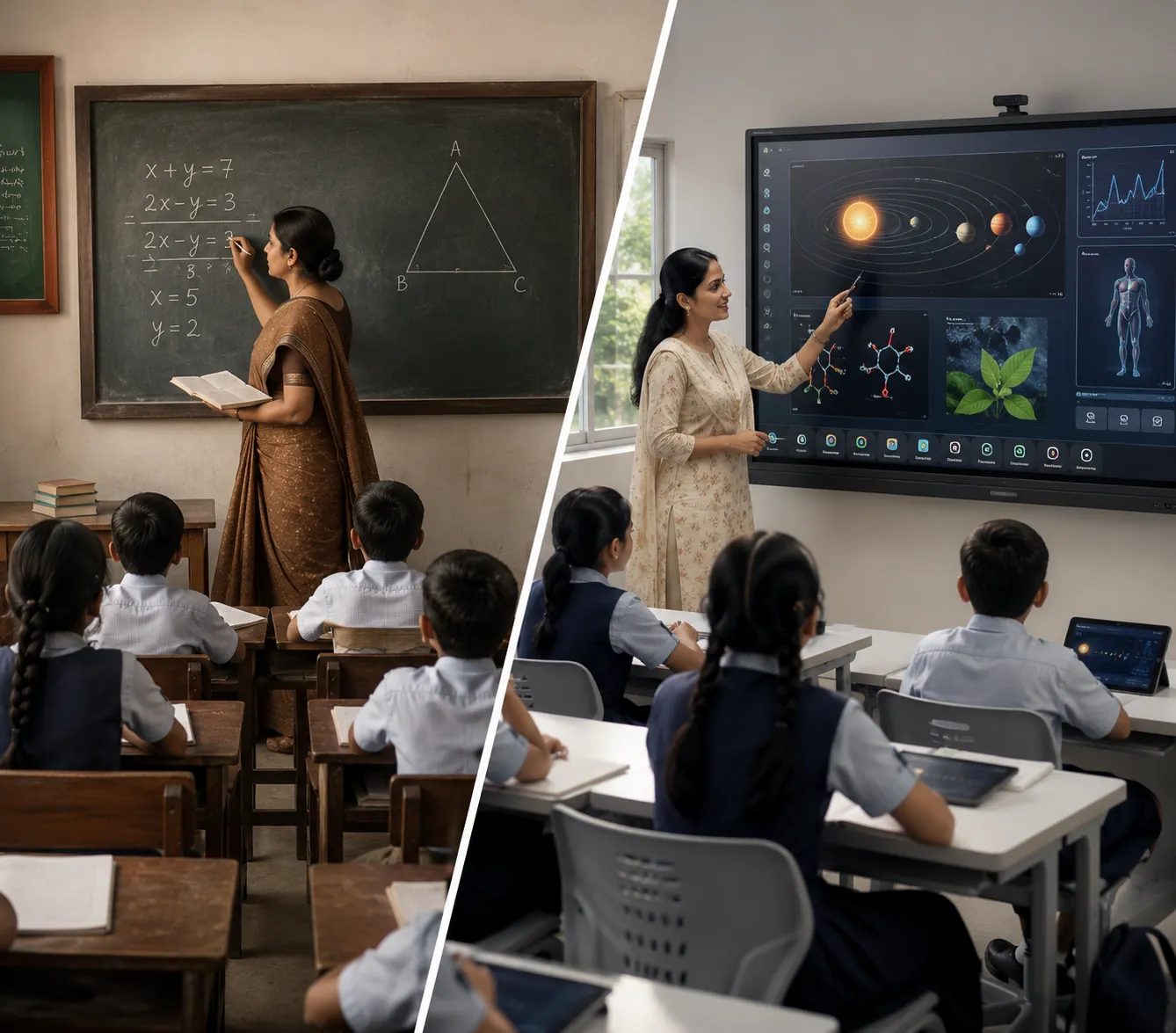
Teaching has changed a lot over the years. Today’s students learn better when lessons are interactive, visual, and engaging. Traditional whiteboards and projectors still have their place, but Interactive Flat Panels (IFPs) make it easier for teachers to create lessons that keep students interested from start to finish.
An Interactive Flat Panel is much more than a display. It helps teachers explain concepts, encourage collaboration, and make learning more enjoyable.
Here are 10 simple ways teachers can use Interactive Flat Panels in the classroom.
1. Make Lessons More Interactive
Instead of simply writing on a whiteboard, teachers can use images, videos, animations, and digital tools to explain topics.
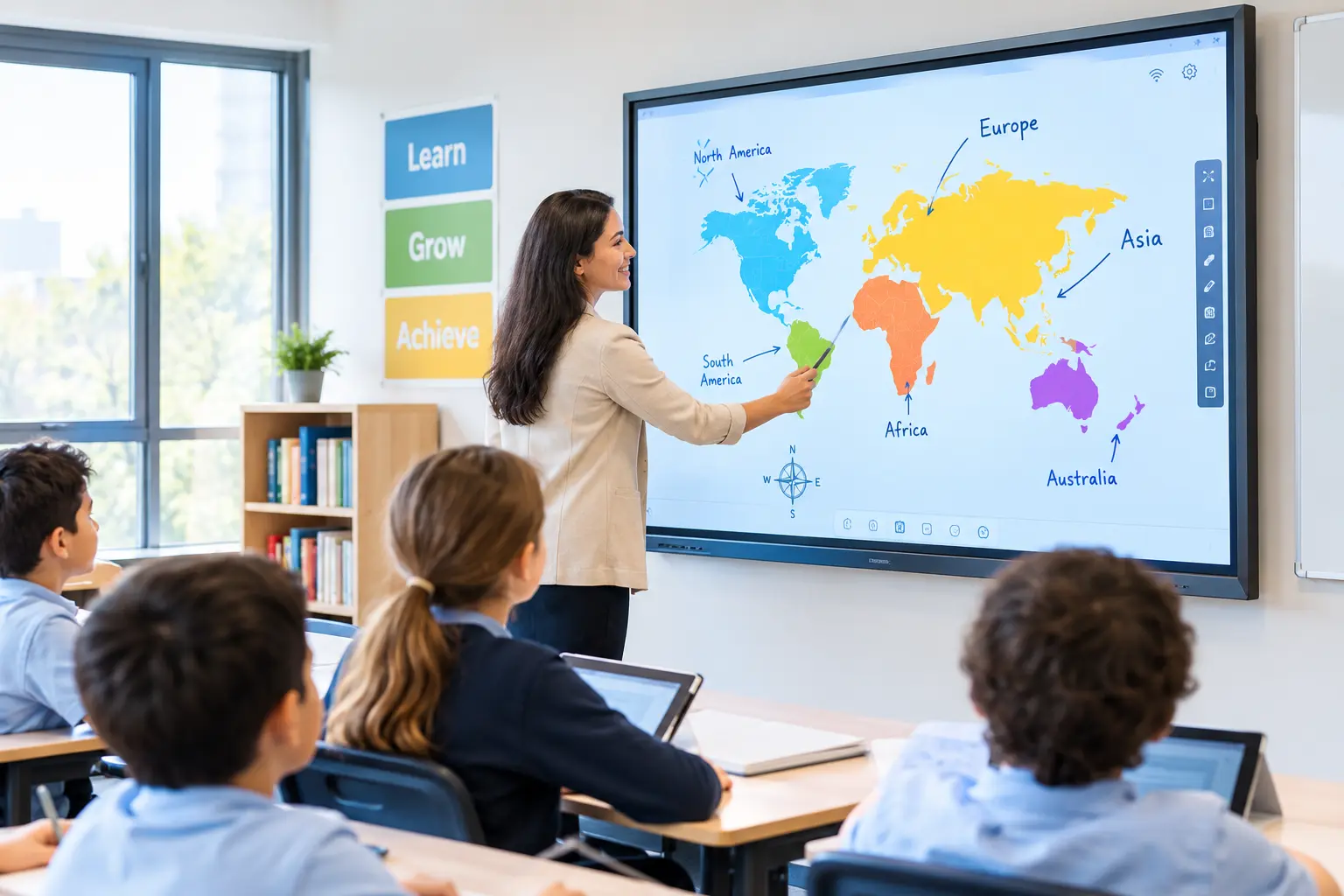
Students can also come to the board, solve problems, move objects, or answer questions by touching the screen.
This makes learning more active instead of just listening.
2. Explain Difficult Topics with Visuals
Some subjects are easier to understand when students can see them.
Teachers can display diagrams, maps, charts, science experiments, or mathematical equations on a large screen. They can zoom in, highlight important areas, and explain every step clearly.
Visual learning helps students remember concepts better.
3. Write and Save Lesson Notes
Everything written on the Interactive Flat Panel can be saved.
Teachers don’t have to erase the board after every class or rewrite the same notes again. Students can receive the lesson notes later, making revision much easier.
4. Play Educational Videos
Videos help students understand topics that are difficult to explain through words alone.
Teachers can play documentaries, educational animations, practical demonstrations, or language lessons directly from the panel. Learning becomes more interesting when students can both see and hear the lesson.
5. Conduct Interactive Quizzes
Learning doesn’t always have to be serious.
Teachers can create quizzes, puzzles, and classroom games that encourage every student to participate. This makes revision fun while helping teachers understand how well students have learned the topic.
6. Encourage Group Activities
Interactive Flat Panels are great for teamwork.
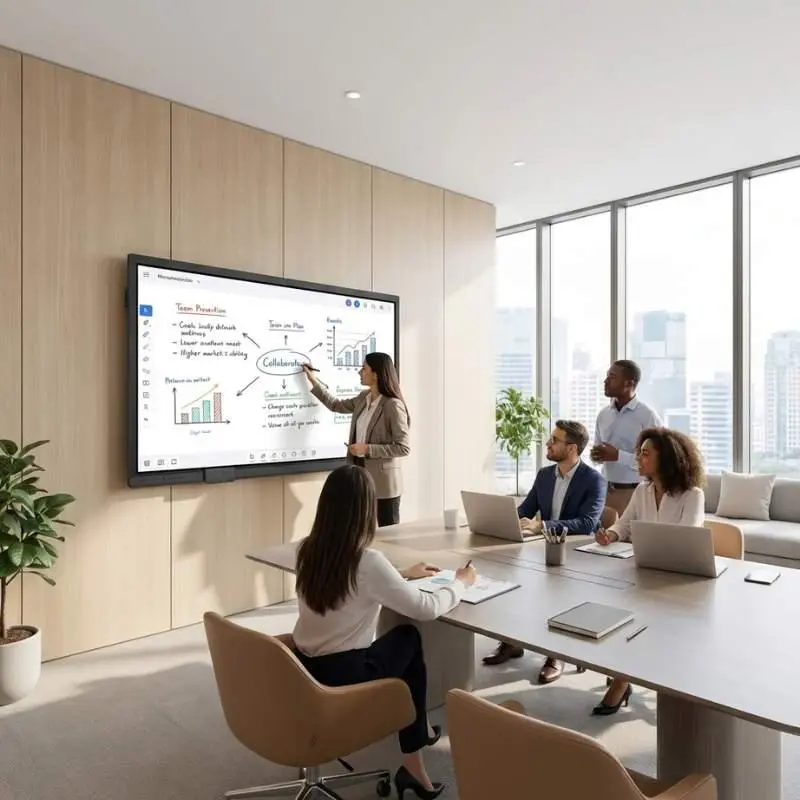
Students can work together to solve problems, complete activities, or present ideas in front of the class. Group learning builds communication skills and increases classroom participation.
7. Teach Hybrid Classes
Sometimes students cannot attend school in person.
Interactive Flat Panels for education helps to conduct lessons for both classroom and remote students at the same time. Everyone can follow the lesson without missing important discussions.
8. Present Student Projects
Students enjoy presenting their work to the class.
Using an Interactive Flat Panel, they can display presentations, images, videos, research findings, or creative projects on a large screen. It helps students build confidence and presentation skills.
9. Access Online Learning Resources
Teachers can quickly open educational websites, digital textbooks, online exercises, and learning platforms during class.
Instead of switching between different devices, everything can be accessed from one screen.
This saves time and keeps lessons running smoothly.
10. Make Every Classroom More Engaging
Perhaps the biggest advantage of an Interactive Flat Panel is the overall classroom experience.
Students participate more when they can interact with lessons instead of simply watching them.
Teachers spend less time managing equipment and more time focusing on teaching.
The result is a classroom that feels more active, collaborative, and enjoyable for everyone.
Why Schools Are Choosing Interactive Flat Panels
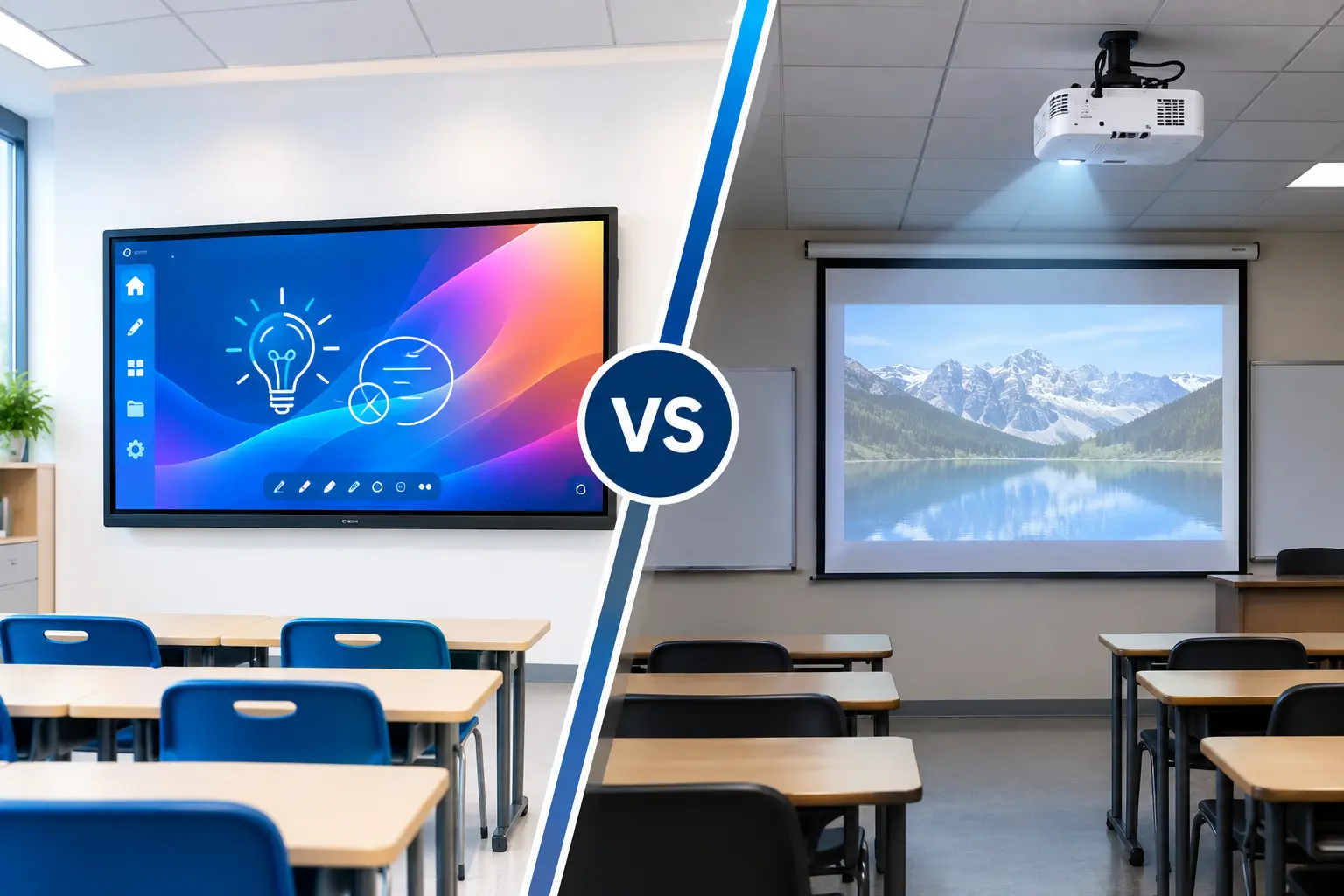
More schools are replacing traditional projectors and whiteboards with Interactive Flat Panels because they offer:
- Clear 4K visuals
- Smooth touch writing
- Wireless screen sharing
- Interactive whiteboarding
- Easy lesson sharing
- Better classroom collaboration
- Support for hybrid learning
- Lower maintenance compared to projectors
These features help teachers deliver lessons more effectively while creating a better learning experience for students.
How boardEX Supports Modern Classrooms
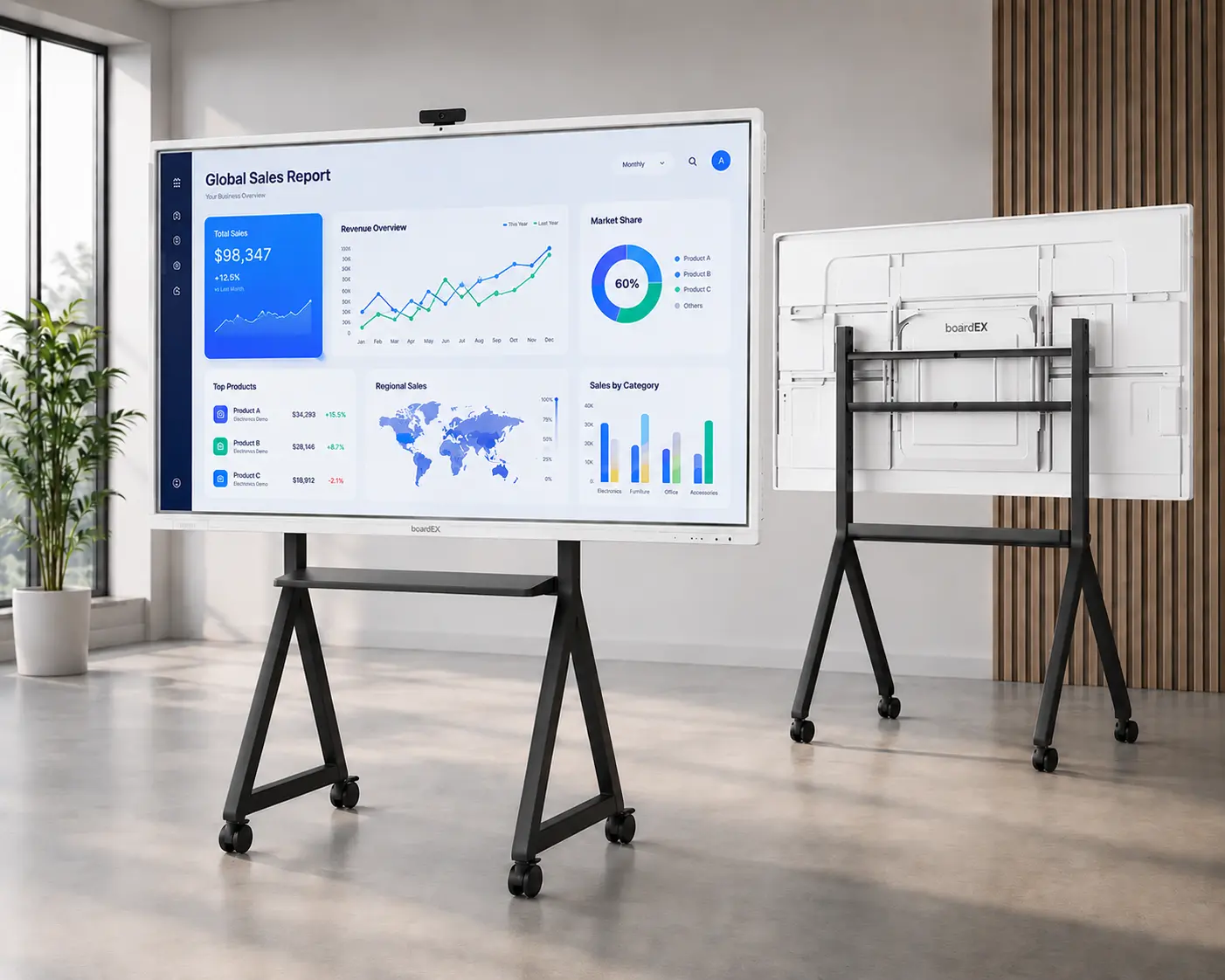
boardEX Interactive Flat Panels are designed to make everyday teaching easier.
With features like 4K Ultra HD display, Android 14, up to 40-point multi-touch, wireless screen sharing, built-in whiteboard software, AI-powered teaching tools, Low Blue Light Technology, and Anti-Glare Display, teachers can create engaging lessons with ease.
Whether it’s a primary classroom, secondary school, college, or university, boardEX helps educators deliver lessons with confidence.
Conclusion
Technology will never replace great teachers. But the right technology can make teaching easier and learning more effective.
Interactive Flat Panels help teachers explain concepts clearly, encourage participation, and create classrooms where students enjoy learning.
If you’re planning to upgrade your classrooms, an Interactive Flat Panel is an investment that benefits both teachers and students every day.