Dubai’s business environment is built around speed, collaboration, and global connectivity. A meeting in a Dubai office can involve people sitting in DIFC, Business Bay, Abu Dhabi, KSA, London, or Singapore, all joining the same discussion from different locations.
That makes hybrid meetings an important part of modern business. But simply putting a laptop in a meeting room and opening Zoom or Microsoft Teams does not automatically create a good hybrid meeting experience.
Remote participants can struggle to follow conversations. Someone may be speaking while facing away from the camera. Important information written on a physical whiteboard may not be visible to people joining remotely. Employees may also spend the first few minutes connecting laptops, adapters, displays, and cables.
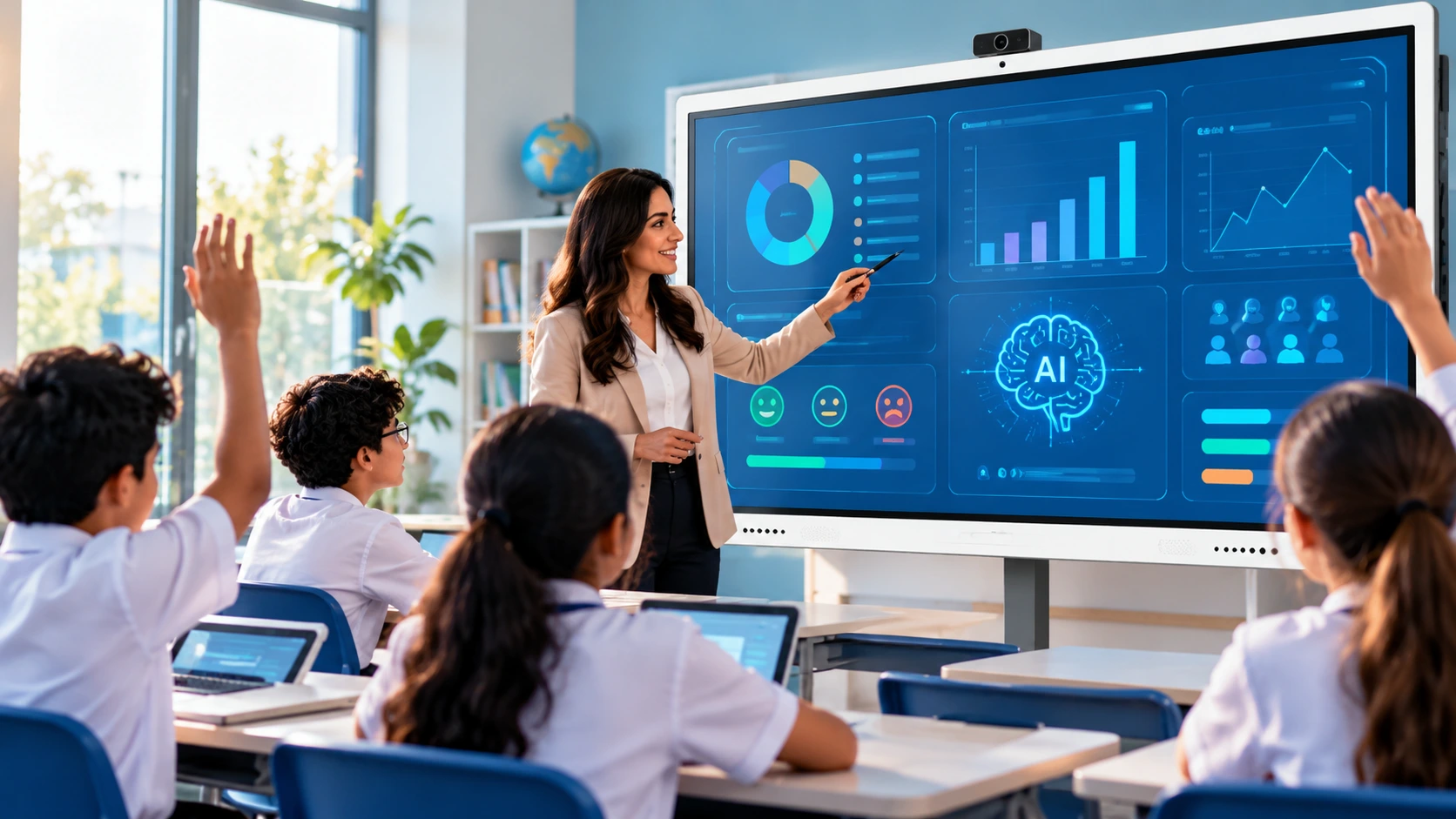
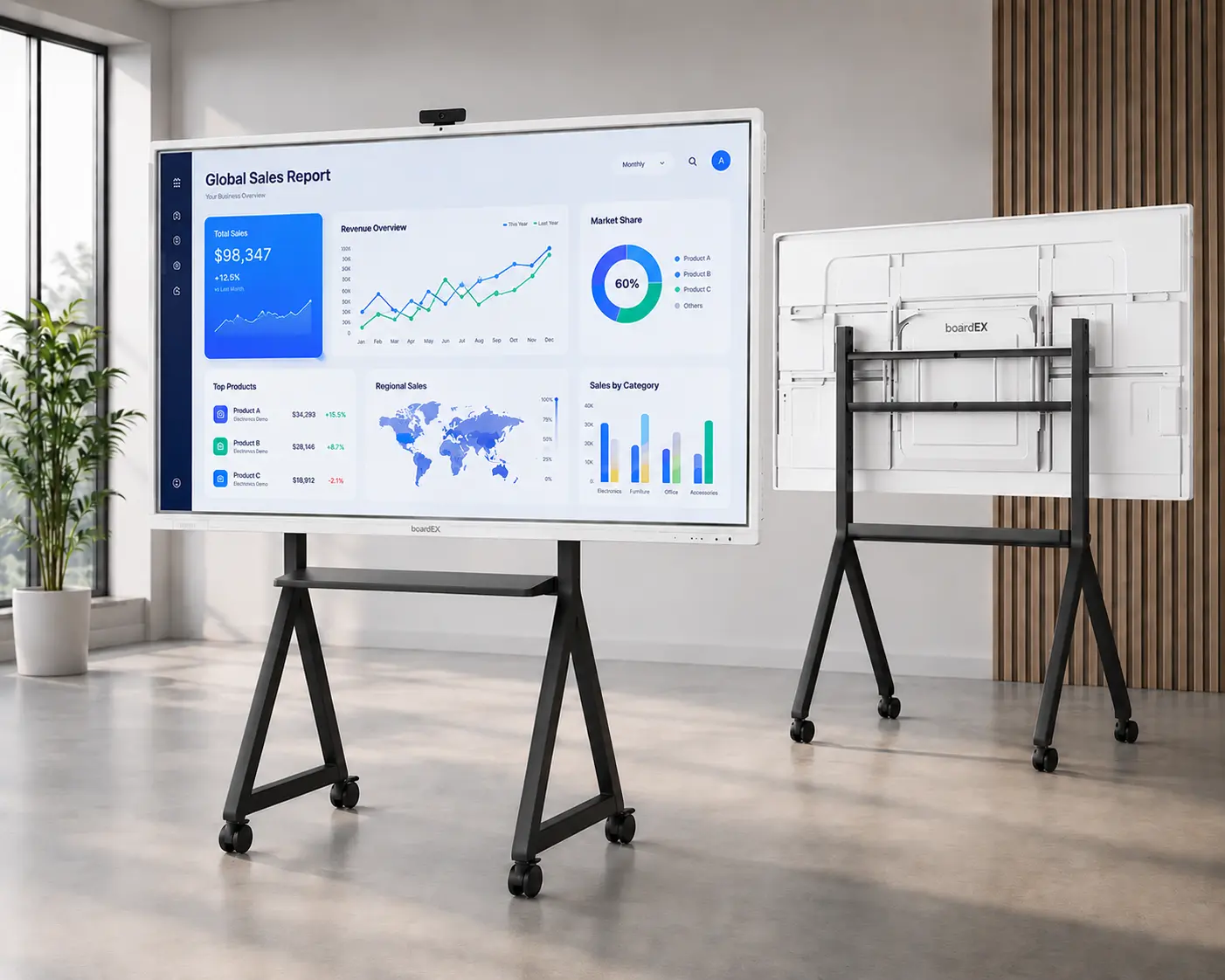
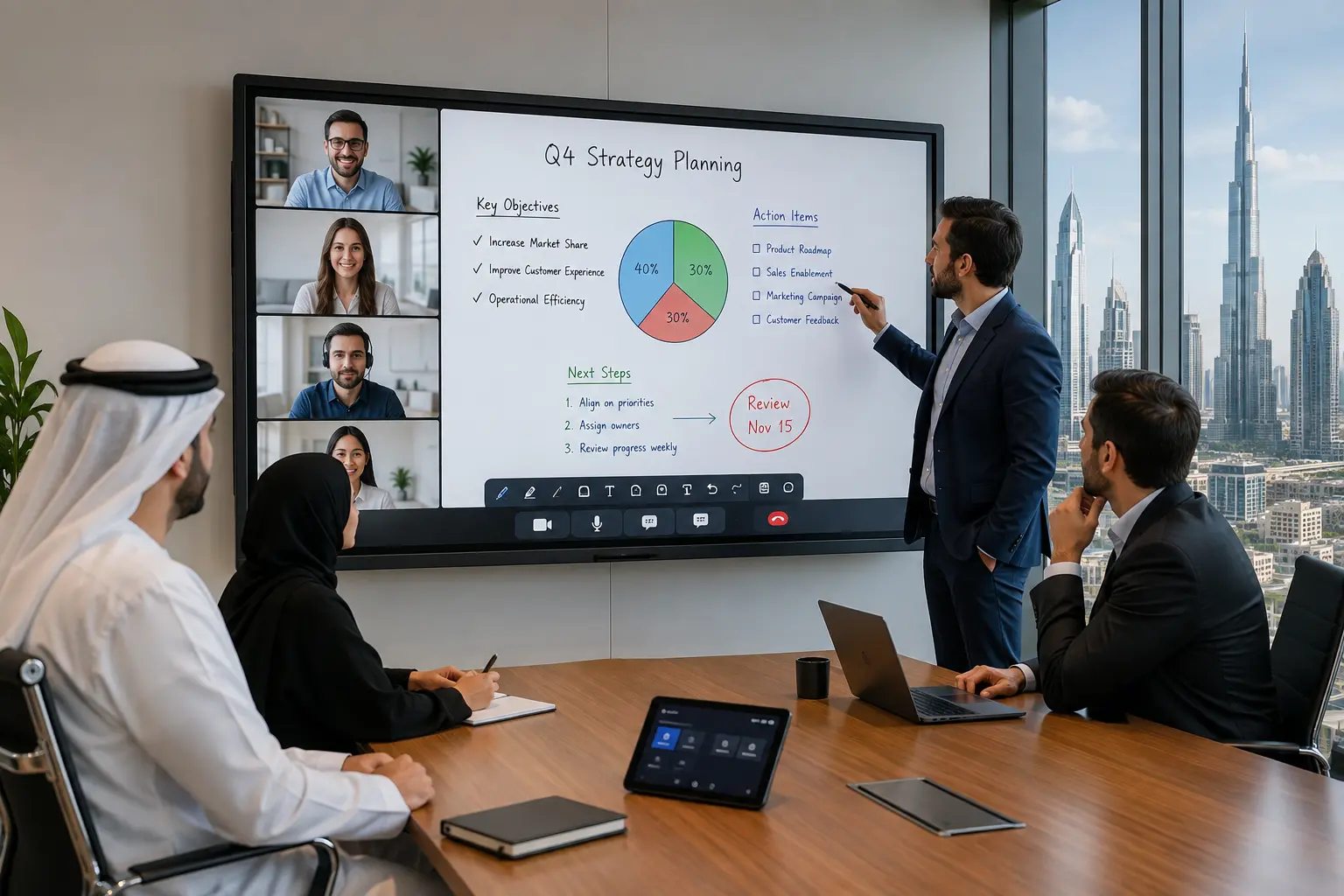
An Interactive Flat Panel Display (IFPD) combines a large touchscreen, digital whiteboard, wireless screen sharing, audio-video capabilities, and collaboration tools in one device. Instead of treating remote employees as people watching a meeting from outside, it helps bring them into the room.
Why Hybrid Meetings Matter for UAE Businesses
Hybrid work is not a temporary trend for many UAE organisations.
The 2025 Cisco Global Hybrid Work Study found that 80% of UAE employers surveyed support hybrid work, while 69% of employees surveyed reported that their organisations support it. This 11-percentage-point gap shows that the way companies design hybrid work can still affect how employees experience it.
Earlier research also showed strong support for flexible working in the UAE. A Cisco study of more than 1,000 UAE employees found that 84% of companies supported hybrid work practices in some form, while more than 70% were prepared for a hybrid-work future.
The challenge now is not simply allowing employees to work from different locations. It is making sure they can communicate, collaborate, and participate effectively regardless of where they are working.
That is why meeting-room technology has become increasingly important.
What Is an Interactive Meeting Display?
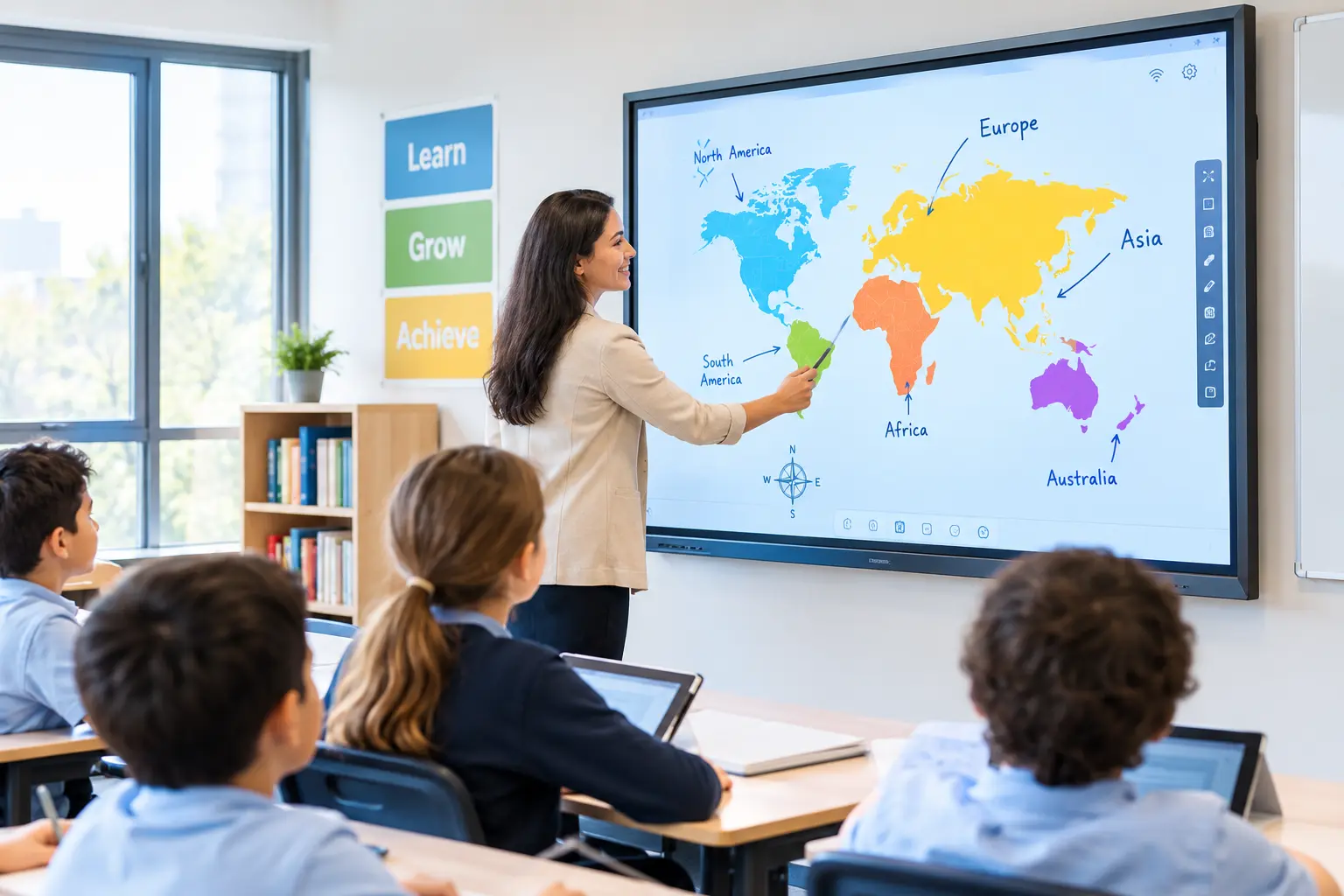
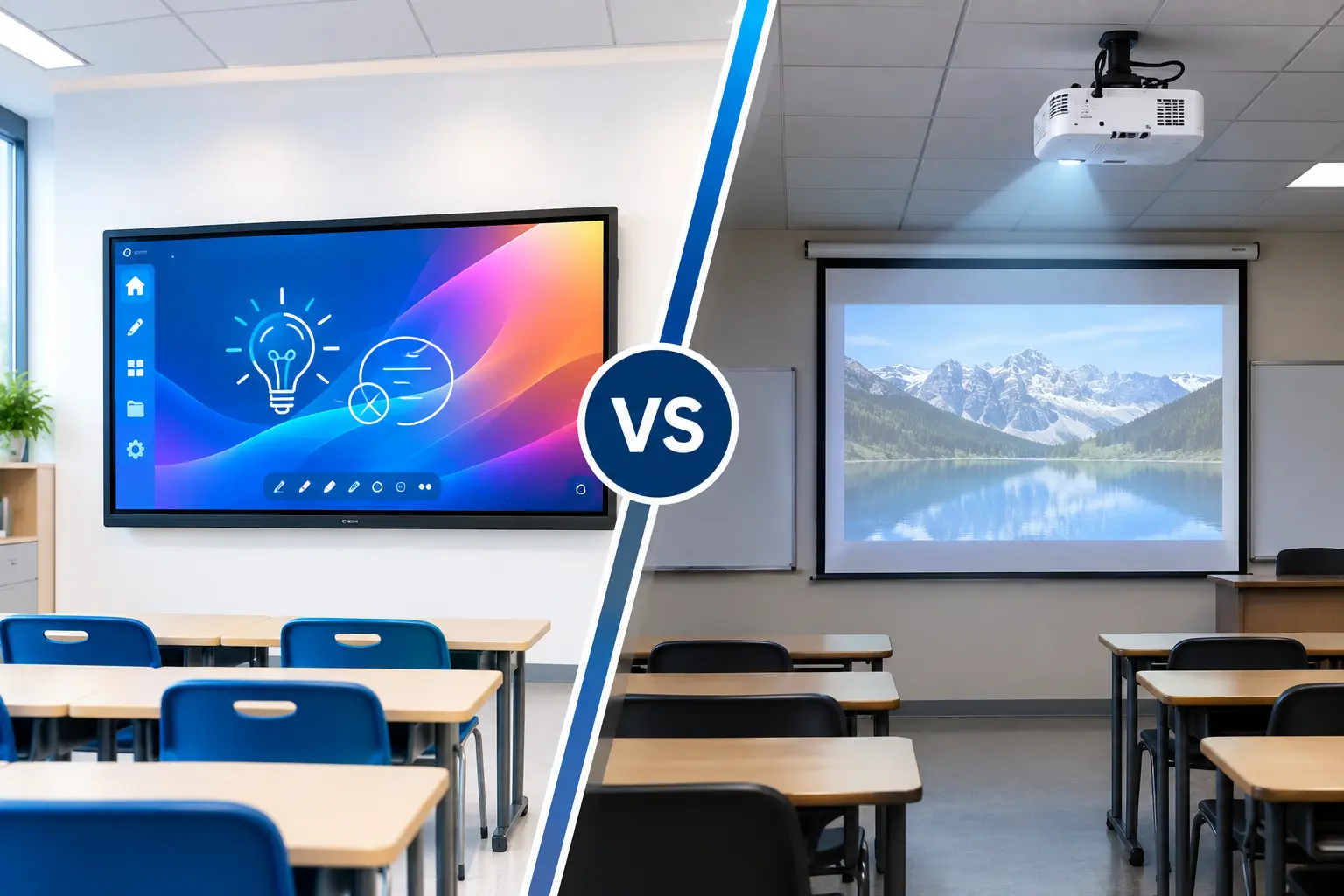
Unlike a traditional TV or projector, an interactive flat panel allows users to interact directly with the content on the screen.
During a meeting, teams can:
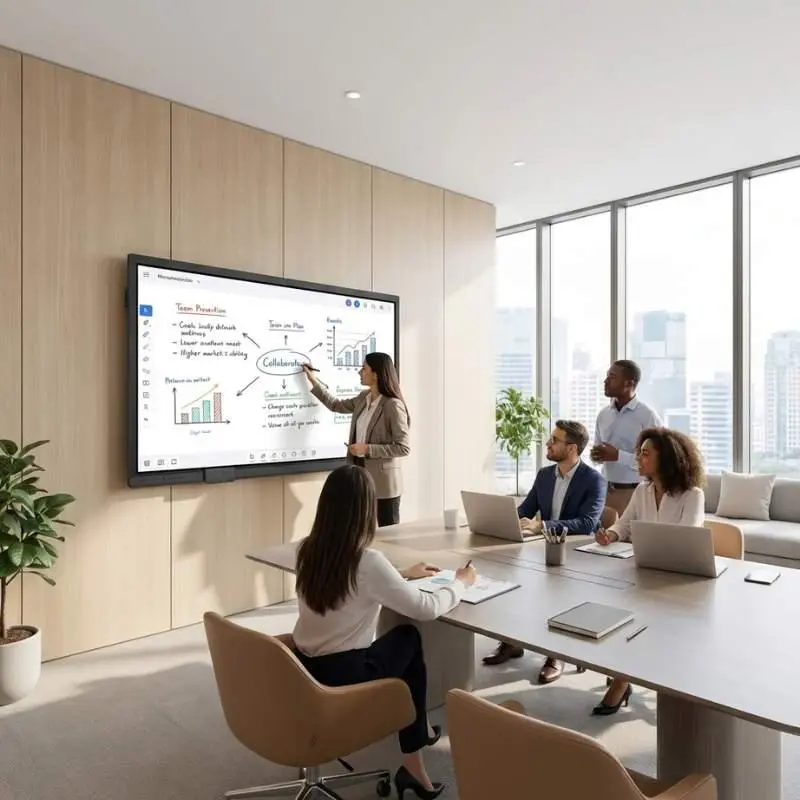
- Write and draw on a digital whiteboard
- Annotate presentations and documents
- Share laptop or smartphone screens
- Open video conferencing applications
- Brainstorm ideas together
- Save meeting notes digitally
- Present documents, videos, and presentations
- Collaborate with people joining remotely
The exact features vary between models, so businesses should check whether the panel supports the software, operating systems, cameras, microphones, and collaboration platforms they already use.
1. Digital Whiteboarding Keeps Ideas From Getting Lost
A traditional whiteboard is useful during a meeting, but it has one major limitation: what happens after the meeting? Someone has to take photographs, rewrite the notes, or manually transfer the information into another document.
With a digital whiteboard, meeting notes can be saved and shared electronically, depending on the panel and software being used.
This can make follow-up easier.
For example:
During the meeting:
The team writes ideas and action points on the interactive display.
At the end:
The content can be saved or exported.
After the meeting:
The team can share the notes with participants who attended remotely or were unable to join.
This creates a smoother connection between the meeting itself and the work that follows.
2. Wireless Screen Sharing Reduces Meeting Delays
How many times does a meeting begin with:
“Where is the HDMI cable?”
“Do you have a Type-C adapter?”
“Can you see my screen?”
“Wait, let me reconnect.”
These small interruptions may seem insignificant, but they can make meetings less efficient, especially when meetings happen several times a day.
Wireless screen sharing allows employees to share content from supported laptops, tablets, or smartphones without relying on multiple physical cables.
- A sales executive could walk into a meeting and share a presentation from a laptop.
- A manager could display a document from a tablet.
- A team member could quickly show a design or dashboard from a smartphone.
3. Better Visibility for Everyone in the Room
A small laptop screen may work for a two-person video call, but it becomes less practical when several people are sitting around a conference table.
An interactive flat panel provides a much larger display area, making presentations, spreadsheets, diagrams, dashboards, and documents easier to view.
For larger boardrooms, screen size becomes particularly important. A 55-inch display might be suitable for a small huddle room, while a 75-inch, 86-inch, or larger panel may be more appropriate for a larger conference room.
However, screen size should not be selected based only on the size of the room. Viewing distance, seating arrangement, content type, and camera position should also be considered.
4. Better Audio and Video Can Improve the Remote Experience
A hybrid meeting is only successful when people can see and hear each other clearly.
A high-quality display alone is not enough. Modern meeting-room setups can include cameras with features such as speaker tracking or automatic framing, along with microphone arrays and noise-reduction technologies.
For example, when different people speak during a discussion, intelligent camera features can help keep the active speaker visible to remote participants.
Microphone arrays can also help capture voices from different parts of the meeting room, depending on the system. This matters because remote employees should not feel like they are simply watching a recording of people sitting around a table.
5. One Screen Can Support Multiple Meeting Tools
Businesses already use a wide range of collaboration platforms.
Microsoft Teams, Zoom, Google Meet, Cisco Webex, Microsoft Whiteboard, OneDrive, PowerPoint, and other business applications may all be part of a company’s daily workflow. An interactive flat panel can bring many of these activities closer together on one screen.
Depending on the model and configuration, employees may be able to launch supported meeting applications directly from the panel, connect a computer through HDMI or USB-C, or use built-in operating systems and computing modules.
This can reduce the need to constantly switch between different devices.
For IT teams, however, compatibility should be checked before purchasing. A panel should fit into the organisation’s existing software, security, device-management, and conferencing environment.
6. Hybrid Meetings Become More Inclusive
One of the less obvious problems with hybrid meetings is that remote employees can easily become secondary participants.
People sitting in the room may have side conversations…Someone may point at a document that the remote participant cannot see…A person may speak while standing outside the camera’s field of view…
These small moments add up.
Research from Microsoft has also highlighted challenges around relationship-building in hybrid and remote work. In its 2022 Work Trend Index, 43% of leaders said relationship-building was the greatest challenge in remote and hybrid work.
Technology cannot solve every human challenge associated with hybrid work. But a better meeting environment can remove some of the practical barriers that make remote participation difficult. That is where a properly designed interactive meeting display can help.
7. Useful for More Than Regular Meetings
An interactive flat panel does not have to sit unused between board meetings. Businesses can use these displays for a variety of activities.
Team Brainstorming
Marketing, sales, HR, and product teams can use digital whiteboards to organise ideas and plan projects.
Training Sessions
Trainers can display presentations, videos, diagrams, and documents while participants interact directly with the content.
Client Presentations
Sales teams can use interactive displays to present proposals, product demonstrations, dashboards, and other visual content.
Executive Meetings
Leadership teams can review reports, financial dashboards, project updates, and presentations on a large interactive screen.
Remote Collaboration
Teams working across Dubai, Abu Dhabi, Saudi Arabia, India, Europe, or other regions can use the same meeting environment to collaborate.
This makes an interactive flat panel more than a video-conferencing screen. It can become a central collaboration tool for the office.
Why Dubai Businesses Are Moving Toward Smarter Meeting Rooms
Dubai has positioned itself as a major international business hub, with companies working across borders and time zones.
That means the traditional idea of a meeting room is changing.
A meeting room is no longer simply a place where people sit around a table and look at a screen.
It is increasingly becoming a digital collaboration space where employees can meet, present, brainstorm, train, share information, and work with colleagues who are thousands of kilometres away.
The UAE’s continued focus on digital transformation also supports this shift. A 2024 KPMG report covering more than 4,000 employees across leading markets, with UAE insights, found that 64% of respondents were happy with the productivity tools and systems available to them, while 66% expected technology to improve their productivity over the following three years.
This highlights an important point: employees do not simply need more technology. They need technology that actually makes everyday work easier.
Conclusion
Hybrid meetings are not going away simply because some companies are bringing employees back to the office. Instead, many organisations are looking for ways to make office and remote work function together. That means meeting rooms need to support both groups equally.
For businesses looking for an interactive flat panel for hybrid meetings UAE, the right solution should not be selected simply because it has the biggest screen or the longest feature list.
The better question is:
Can this meeting room make collaboration easier for everyone, whether they are sitting inside the room or joining from somewhere else?
When the answer is yes, an interactive flat panel becomes the centre of a smarter, more connected workplace.