Be honest.. How often does the projector become part of the lesson for the wrong reasons?
“The screen isn’t clear.”
“Can you close the curtains?”
“Wait, the connection isn’t working.”
“I need to recalibrate it.”
Most teachers have probably experienced at least one of these moments.
Projectors were a huge step forward when classrooms first started going digital. But technology doesn’t stay useful simply because we’ve been using it for a long time. As classrooms become more interactive, schools need to ask whether their existing setup is keeping up.
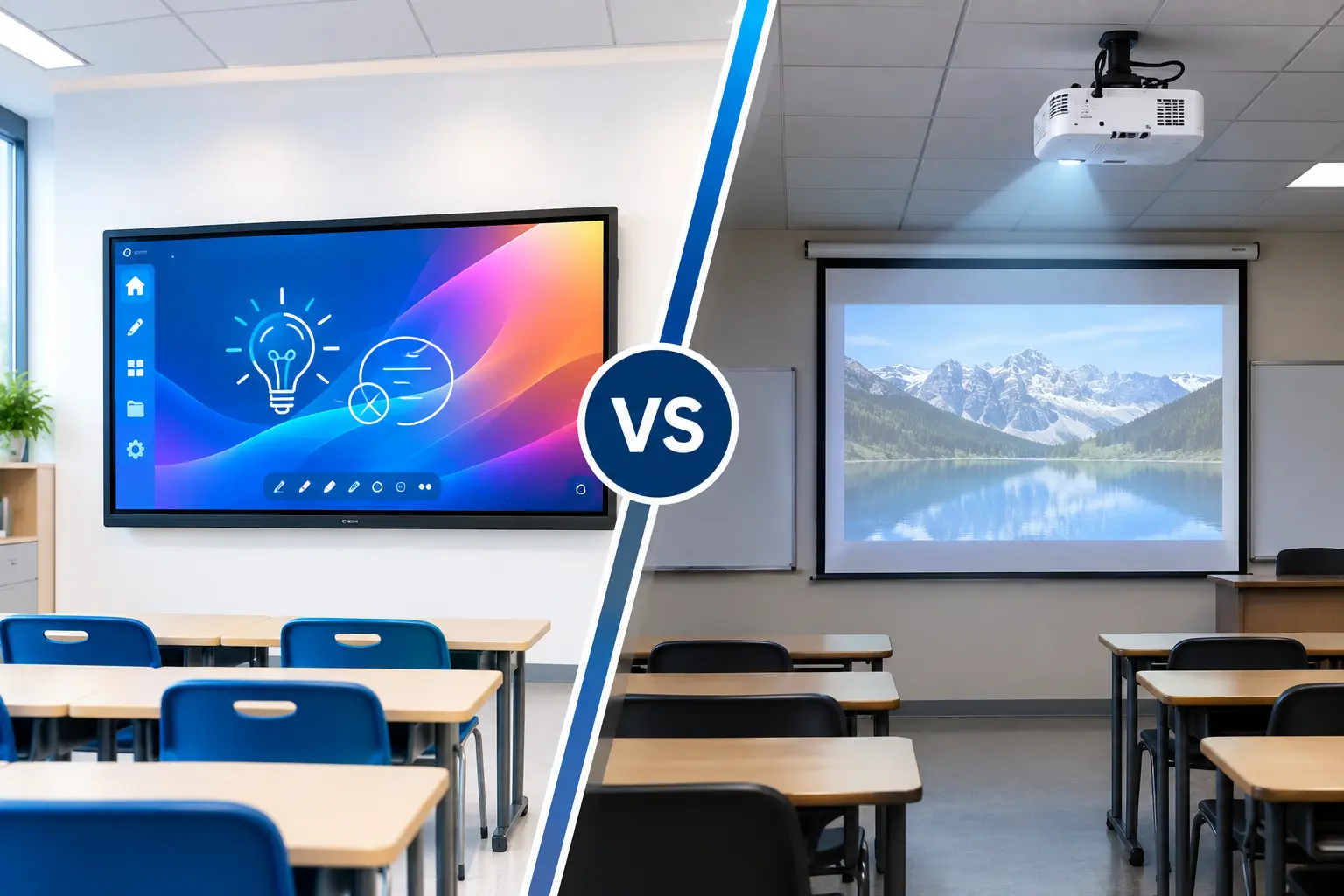
That’s where the debate between a projector and an interactive flat panel for education becomes interesting.
Because the real comparison isn’t just about screen size or price. It’s about what happens during those 45 minutes when the teacher is actually teaching.
So, if your school is planning to upgrade its classroom technology, should you continue with projectors or move to interactive flat panels? Let’s look at the differences from a practical classroom perspective.
1. Clear Visibility Makes a Big Difference
Think about the last time you tried to read something projected onto a screen in a room with plenty of sunlight.
You probably had to squint a little.
That is one of the everyday challenges teachers and students face with projectors. Because projectors display images by projecting light onto a surface, bright classroom lighting can affect visibility. Teachers may need to close curtains or switch off lights to make the content easier to see.
That might work occasionally, but it isn’t always the perfect choice for a classroom.
Students still need to write in their notebooks, look at their classmates, move around the room, and interact with the teacher. Keeping the classroom dark throughout a lesson can make that more difficult.
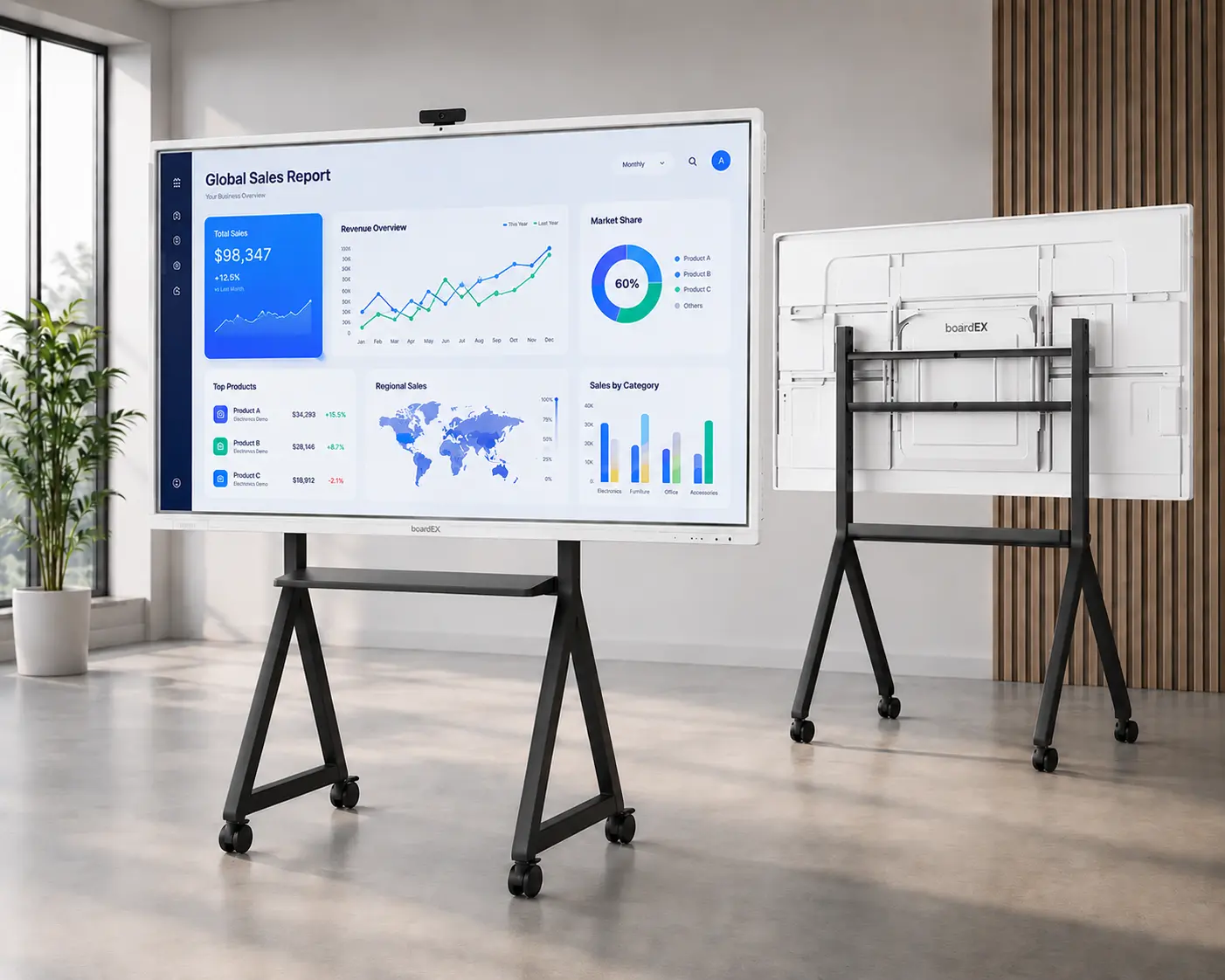
Interactive flat panels work differently. The display produces its own light, allowing lessons to remain visible even when the classroom is brightly lit.
With a large 4K display, text, diagrams, images, videos, and presentations can appear sharp and detailed. Anti-glare screens can also help reduce distracting reflections from classroom lights.
For a school, this means teachers don’t have to spend the first few minutes of every lesson adjusting curtains and lighting just so students can see the screen.
2. Teaching Shouldn’t Stop When Technology Gets in the Way
Technology is supposed to make teaching easier.
Yet with a traditional projector setup, there are several things that can go wrong.
The projector may need alignment. The connection may not work. The image may appear blurry. A cable may become loose. The lamp may need replacement. And if you’re using an interactive projector, calibration can sometimes become necessary.
None of these problems sound major individually.
But imagine a teacher dealing with them several times a week. Those small interruptions add up.
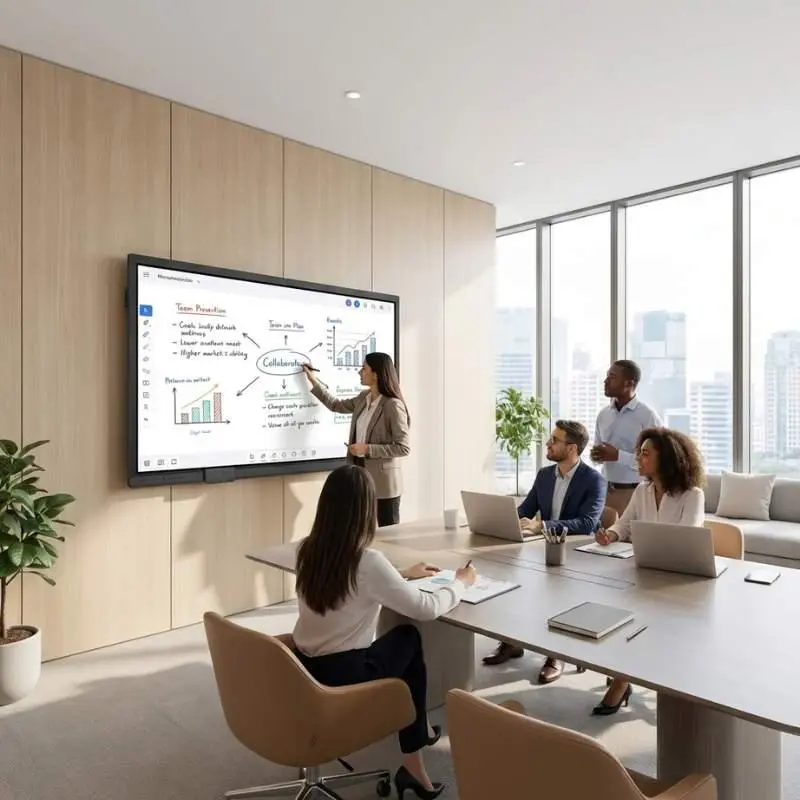
An interactive flat panel puts the display and interactive functionality into one system. Teachers can walk up to the screen and start writing, explaining, highlighting, or moving objects directly on the display.
There is no projected beam for the teacher to stand in front of, so the teacher’s shadow doesn’t cover the content while explaining a diagram or equation.
And because interaction happens directly on the screen, the experience feels much more natural.
3. From Watching the Lesson to Being Part of It
This is probably the biggest difference between the two technologies.
A projector is primarily a display device. It shows students what is happening on a computer or another connected source.
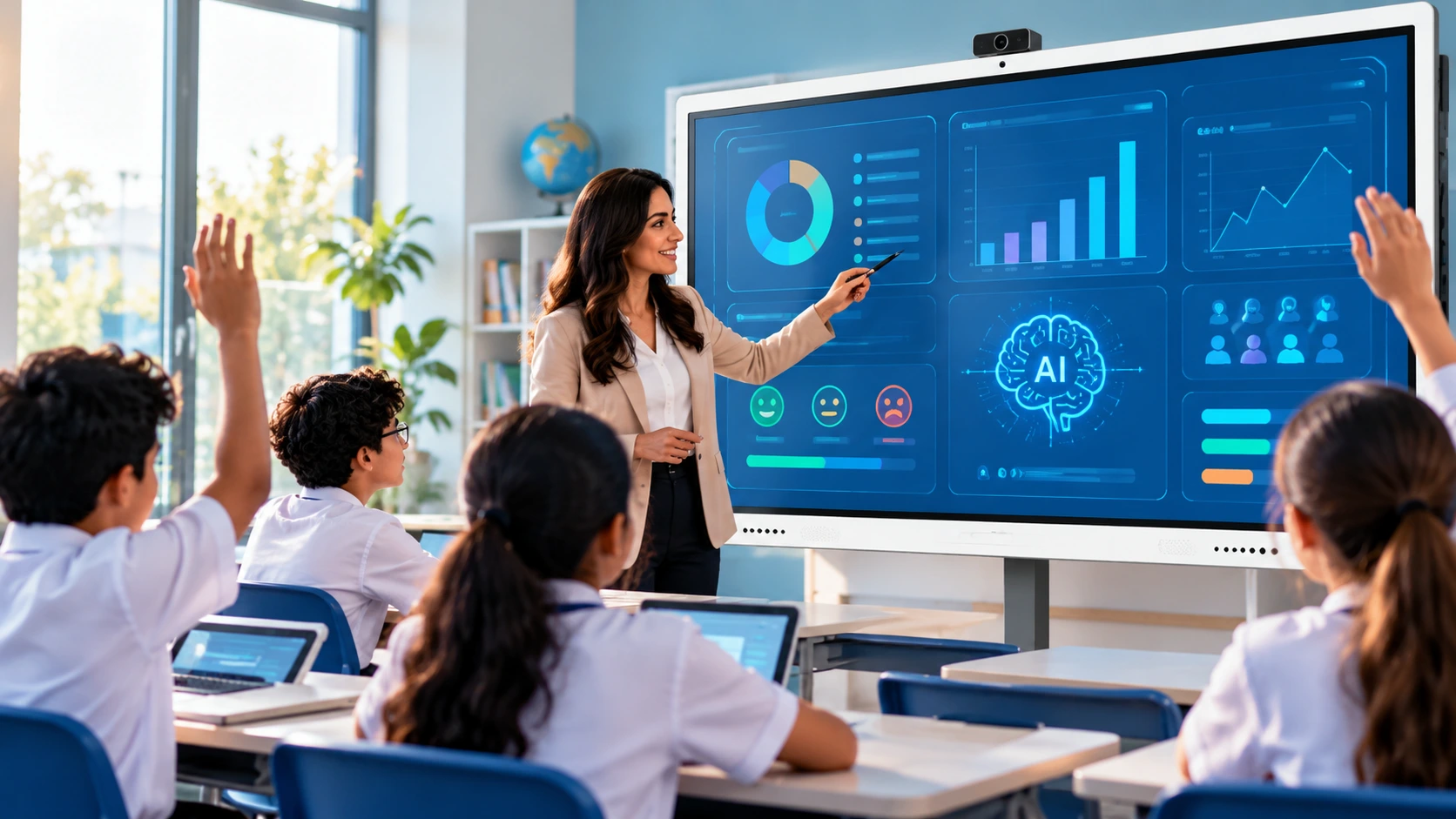
An interactive flat panel can turn the display itself into part of the lesson. For example, imagine a mathematics class.
Instead of simply displaying a geometry diagram, the teacher can bring it onto the screen and manipulate it while explaining. Students can come forward and solve problems. Shapes can be moved around. Answers can be written directly on the display.
The same approach can be used in science, languages, geography, and almost every other subject.
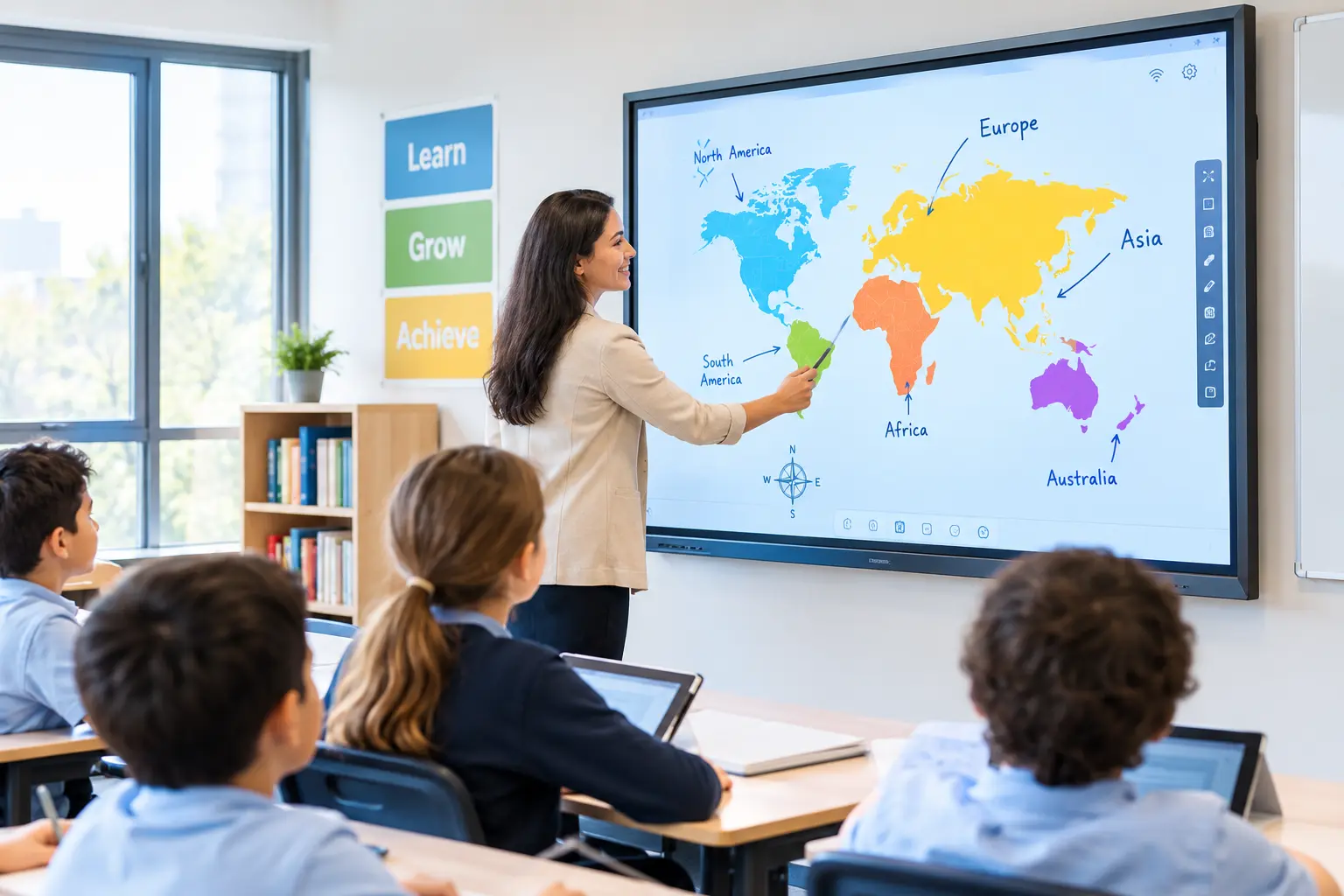
A teacher could display a map and ask students to identify locations. In a language class, students could match words with images. In science, a diagram can be annotated while the teacher explains each part.
This is where a touch screen board for teaching becomes more than just another display. It gives teachers another way to bring students into the lesson.
4. Multiple Students Can Participate
Traditional classroom technology often revolves around one person. Yes.. the teacher!
The teacher controls the laptop, changes slides, and explains the content while students watch.
Interactive flat panels can change that dynamic. Depending on the panel’s specifications, multiple students can interact with the screen at the same time. One student can solve a problem while another works on a different part of the activity.
This can be particularly useful for group activities, classroom games, brainstorming sessions, and collaborative problem-solving. Instead of asking students to remain passive observers, teachers can invite them to participate.
And that small change can make a lesson feel very different.
5. What About Maintenance?
Cost is often one of the first things schools consider when choosing classroom technology.
At first glance, a projector may appear to be the more affordable option. However, looking only at the initial purchase price doesn’t always tell the full story.
Projectors typically have components such as lamps and filters that may require replacement or maintenance over time. Dust can also affect performance, while alignment and installation may require attention.
An interactive flat panel generally has fewer consumable components because it uses a solid-state display. That doesn’t mean an IFP is completely maintenance-free. Screens still need to be cleaned properly, software may need updates, and the device should be handled carefully.
However, there are fewer routine hardware-related issues compared with a traditional projector setup. For schools planning technology investments over several years, it makes sense to consider total cost of ownership, rather than simply comparing the initial price tags.
6. One Device Can Do Much More
Another advantage of modern interactive flat panels is that they can bring several classroom functions together.
Instead of having a projector, separate speakers, a laptop, cables, and other accessories working together, an IFP can combine many of these functions into a single classroom system.
Teachers can use built-in whiteboarding tools, annotate documents, display presentations, play videos, browse educational resources, and share screens from other devices.
Some systems can also support features such as wireless screen sharing, lesson tools, digital notes, quizzes, classroom activities, and video conferencing.
This reduces the amount of equipment a teacher has to manage.
The goal isn’t to give teachers more technology to learn. The goal should be to give them technology that removes unnecessary steps.
7. Connecting Personal Devices Becomes Easier
Teachers don’t always prepare lessons on the classroom computer.
Sometimes the presentation is on a laptop. Sometimes a worksheet is saved on a tablet. A video may be on a phone. A student may want to share their work with the class.
With the right interactive flat panel, content can be shared wirelessly from different devices.
That can make classroom collaboration much smoother.
Instead of saying, “Wait, let me connect the cable,” the teacher can move from one activity to another with fewer interruptions.
For schools that use tablets, laptops, or other connected learning devices, this kind of flexibility can be particularly useful.
8. A Better Fit for Modern Teaching
Perhaps the most important question isn’t whether an interactive flat panel has more features than a projector.
It does!!
The more important question is whether those features support the way teachers actually teach.
Modern classrooms increasingly involve discussions, demonstrations, collaborative tasks, digital resources, student presentations, interactive activities, and multimedia learning.
A technology system that only displays content may not be enough for all of these activities.
An interactive flat panel is designed around a more active classroom experience. It allows the teacher to move between explaining, writing, displaying, demonstrating, and interacting without constantly switching between different pieces of equipment.
That can help technology feel less like an extra task and more like a natural part of teaching.
Interactive Flat Panel vs Projector: A Quick Comparison
| Feature | Classroom Projector | Interactive Flat Panel |
| Visibility in bright rooms | Can be affected by ambient light | Clearer in well-lit classrooms |
| Direct touch interaction | Limited or requires additional technology | Built into the display |
| Shadow interference | Possible | No projected beam |
| Multi-touch | Limited depending on setup | Supported on many modern models |
| Lamp replacement | Usually required | No projector lamp |
| Calibration | May be required for interactive setups | Generally not required |
| Built-in speakers | Depends on setup | Commonly available |
| Wireless screen sharing | Requires compatible setup | Available on many models |
| Digital whiteboarding | Usually requires software/computer | Built into many panels |
| Classroom collaboration | Mostly display-focused | Designed for interactive participation |
So, Which One Should Schools Choose?
Projectors are not useless. They have served schools well for many years and can still be suitable for classrooms where the primary requirement is simply displaying content.
But if a school is investing in new classroom technology today, it is worth thinking beyond basic display.
The classroom has evolved, and the technology supporting it should evolve too.
An interactive flat panel for education offers teachers the ability to explain, write, demonstrate, collaborate, and engage students from the same screen. It can also reduce some of the everyday frustrations associated with projector-based classrooms, from poor visibility and shadows to lamp maintenance and calibration.
More importantly, it changes the role of the screen. It is no longer something students simply look at. It becomes something they can use.
For schools looking to create classrooms that are more flexible, collaborative, and ready for modern learning, moving from a projector to an interactive flat panel can be indeed a technology upgrade. It can be a step toward creating a classroom where students don’t just watch the lesson, they take part in it.
And ultimately, that’s what good classroom technology should do: stay out of the way of teaching while making better teaching possible.