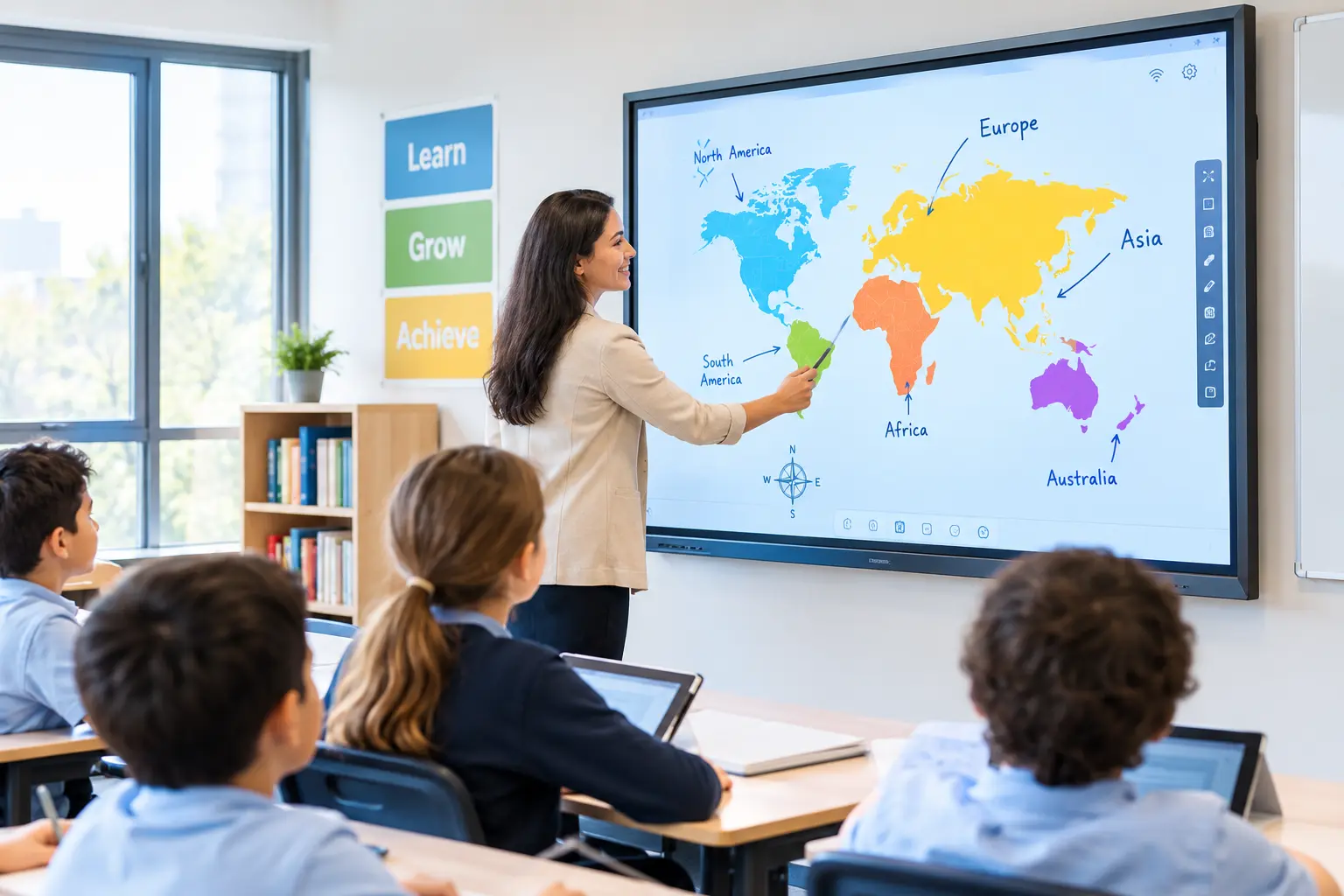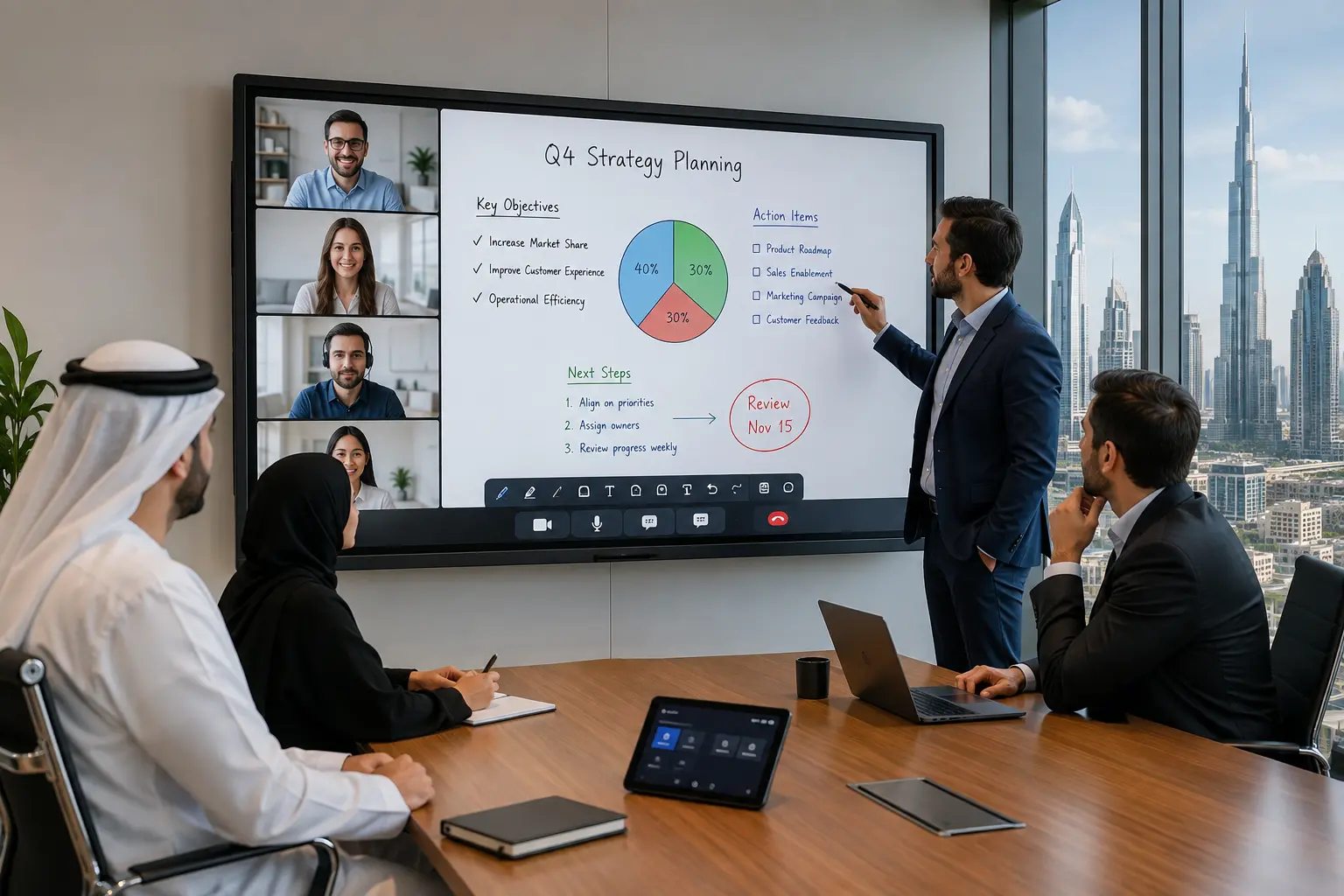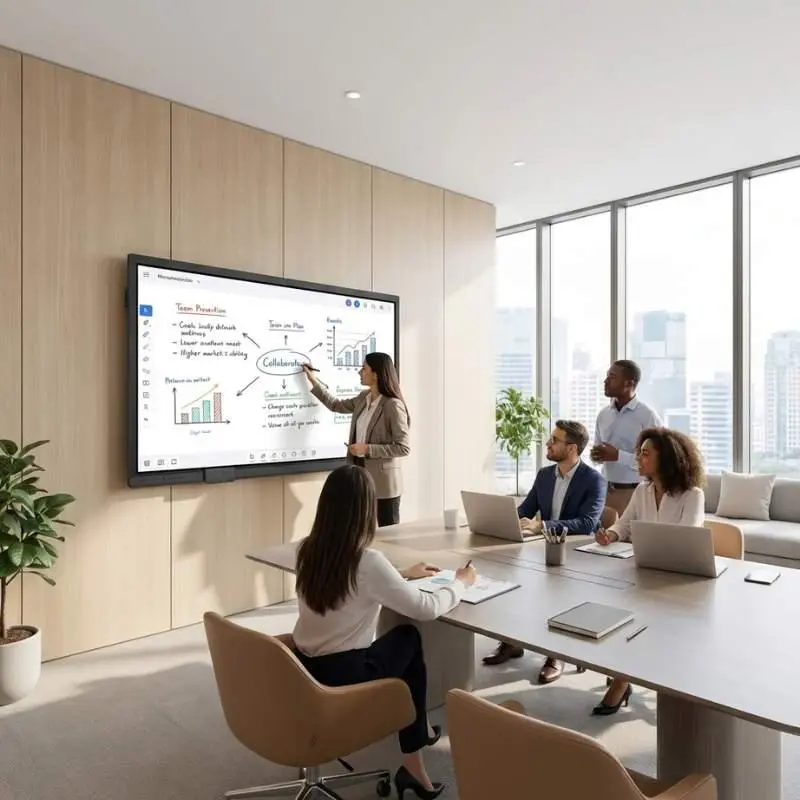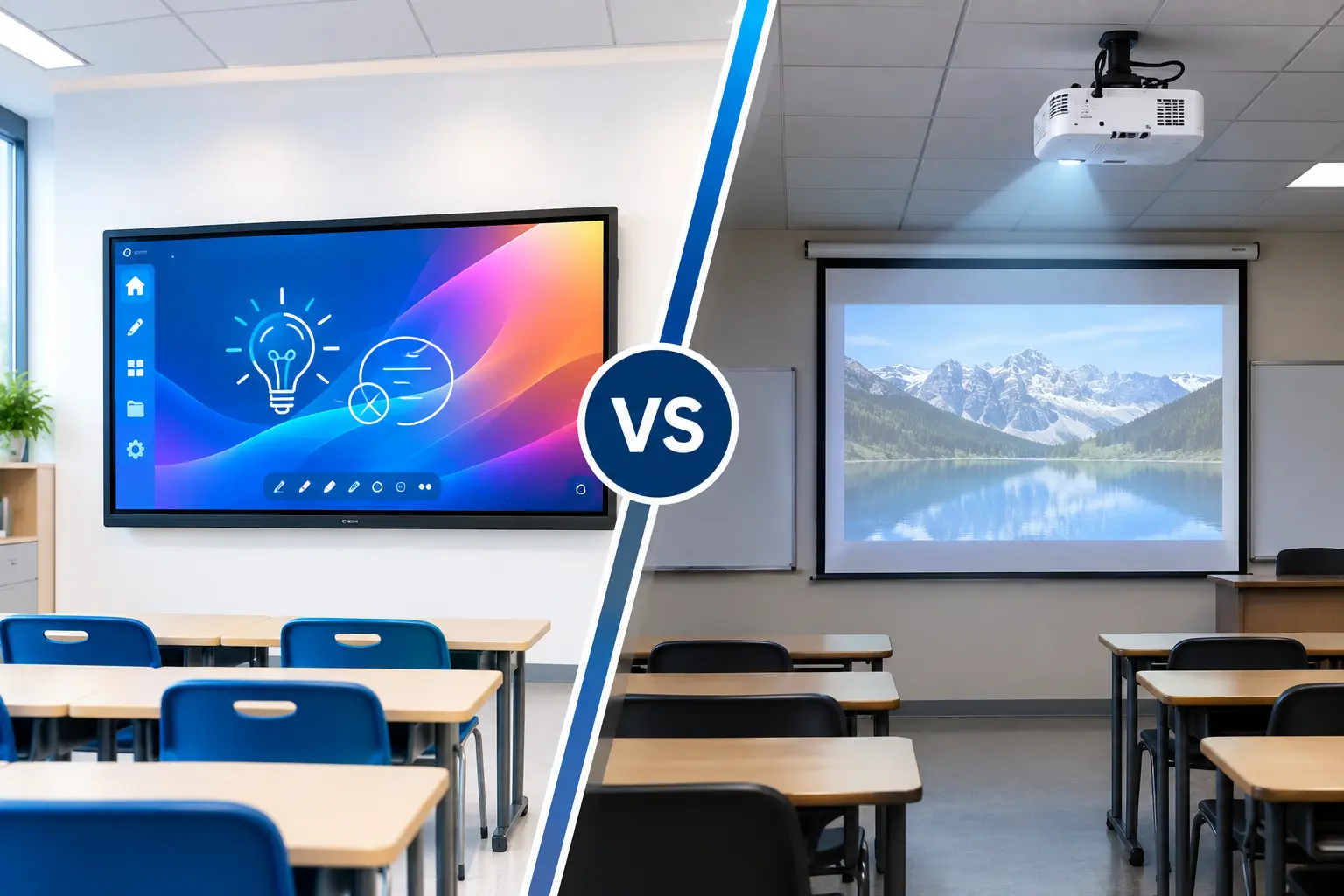
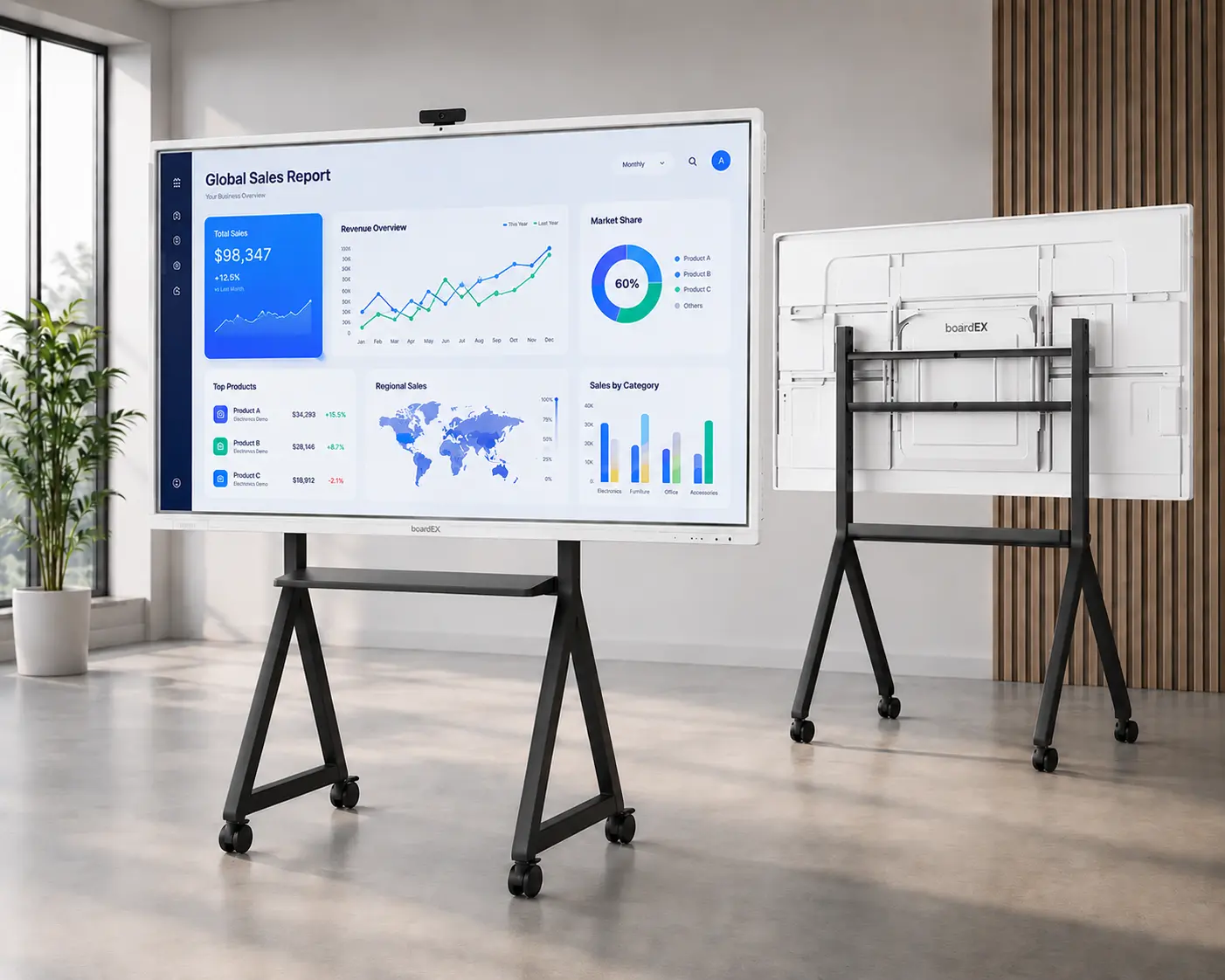
What if one interactive panel could serve more than one classroom?
Instead of keeping a large display fixed in one room, schools can move it wherever learning is happening. Use it in a classroom for morning lessons, move it to a science or computer lab later, and take it to a meeting room or school event when needed.
A mobile Interactive Panel Trolley Stand UAE schools can use makes this possible. It gives schools the flexibility to share one interactive panel across different spaces while making better use of their technology investment.
Why Schools Should Consider a Mobile Interactive Panel
Most interactive panels are installed on a wall and stay in one classroom. While this works well for regular teaching, the panel may remain unused when that classroom is not in use.
A mobile trolley stand makes it possible to move the panel wherever it is needed.
- Lower equipment costs: Schools can share one panel between classrooms instead of installing a separate display in every room.
- Flexible scheduling: Teachers from different departments can use the same panel for lessons, workshops, and activities.
- Better use of school spaces: Libraries, labs, meeting rooms, and activity areas can become interactive learning spaces when the panel is moved there.
4 Ways to Use One Interactive Panel Across the School
1. Move It Between Classrooms and Labs
The panel can be used for regular lessons in the morning and moved to a lab later in the day.
Teachers can use it for maths, science, language lessons, coding demonstrations, robotics sessions, CAD tutorials, and other activities. This allows the school to use the same technology in different learning environments.
2. Support Clubs and Extra-Curricular Activities
Learning also happens outside regular classrooms. A mobile panel can be moved to art rooms, sports rooms, music rooms, drama spaces, or activity areas.
Students can use it for digital design, presentations, script reading, video analysis, music software, and other creative activities.
A trolley with storage space can also hold accessories such as laptops, document cameras, and styluses.
3. Use It for Teacher Training and Meetings
The panel can also support teachers after classroom hours.
Schools can move it into a staff room, meeting room, or conference hall for faculty meetings, training sessions, curriculum planning, presentations, and professional development programs.
4. Use It During School Events
A mobile panel can also be useful during parent-teacher meetings, open houses, exhibitions, and other school events.
It can be moved to a reception area, auditorium, or event space to display student work, presentations, videos, school information, and orientation materials.
Making School Campuses Safer and Easier to Move Around
Moving an interactive panel through busy school hallways needs a trolley that is safe and easy to handle. Choose a heavy-duty trolley with an anti-tip design and strong locking system to keep the panel steady while moving.
This is especially useful when crossing doorways, floor gaps, or elevator entrances. A strong and comfortable handle also makes it easier for teachers and staff to move the panel around corners, ramps, and different rooms without putting too much pressure on the equipment.
Built to Last and Fit Different Panels
A good trolley stand should be useful even when the school upgrades its interactive panels. Look for a stand with universal VESA compatibility that can support different screen sizes, usually from 55 to 86 inches.
A strong steel frame with a durable powder-coated finish can handle regular use and everyday movement. This helps the trolley stay useful for many years instead of needing to be replaced with every new panel.
What to Look for in an Interactive Panel Trolley Stand
Moving a large interactive panel around a school requires a strong and stable trolley. Consider these features before choosing one:
- Weight capacity and VESA support: Make sure the trolley can safely support the panel’s size and weight and that its VESA mounting pattern matches the display.
- Lockable wheels: Heavy-duty casters should move smoothly across different floors and lock firmly when the panel is in use.
- Height adjustment: An adjustable stand allows the screen height to be changed for younger students, older students, teachers, and presentations.
- Cable management: Built-in cable management helps keep power and display cables organized and reduces the risk of cables becoming a trip hazard.
- Accessory storage: Shelves can provide space for laptops, OPS PCs, document cameras, styluses, and other equipment.
Conclusion
A mobile interactive panel can help schools get more value from their technology investment. Instead of keeping one panel in a single classroom, a trolley stand allows the display to move between classrooms, labs, activity rooms, meeting spaces, and events.
With the right Interactive Panel Trolley Stand UAE, one interactive display can support learning and collaboration across different areas of the school.