Imagine investing in a new classroom display, only to find that teachers struggle to use it, students cannot see the content clearly, and the features you expected come with extra costs. Not exactly the smart upgrade you had in mind!
Choosing an interactive flat panel is an important decision for schools, training centres, and businesses. With different models, specifications, and suppliers available, comparing products can feel confusing. A lower price may look attractive, but does it offer the features, support, and reliability you need?
If you are planning to buy an interactive flat panel Sharjah, here are the key factors to compare before making your decision.
1. Screen Size and Display Quality
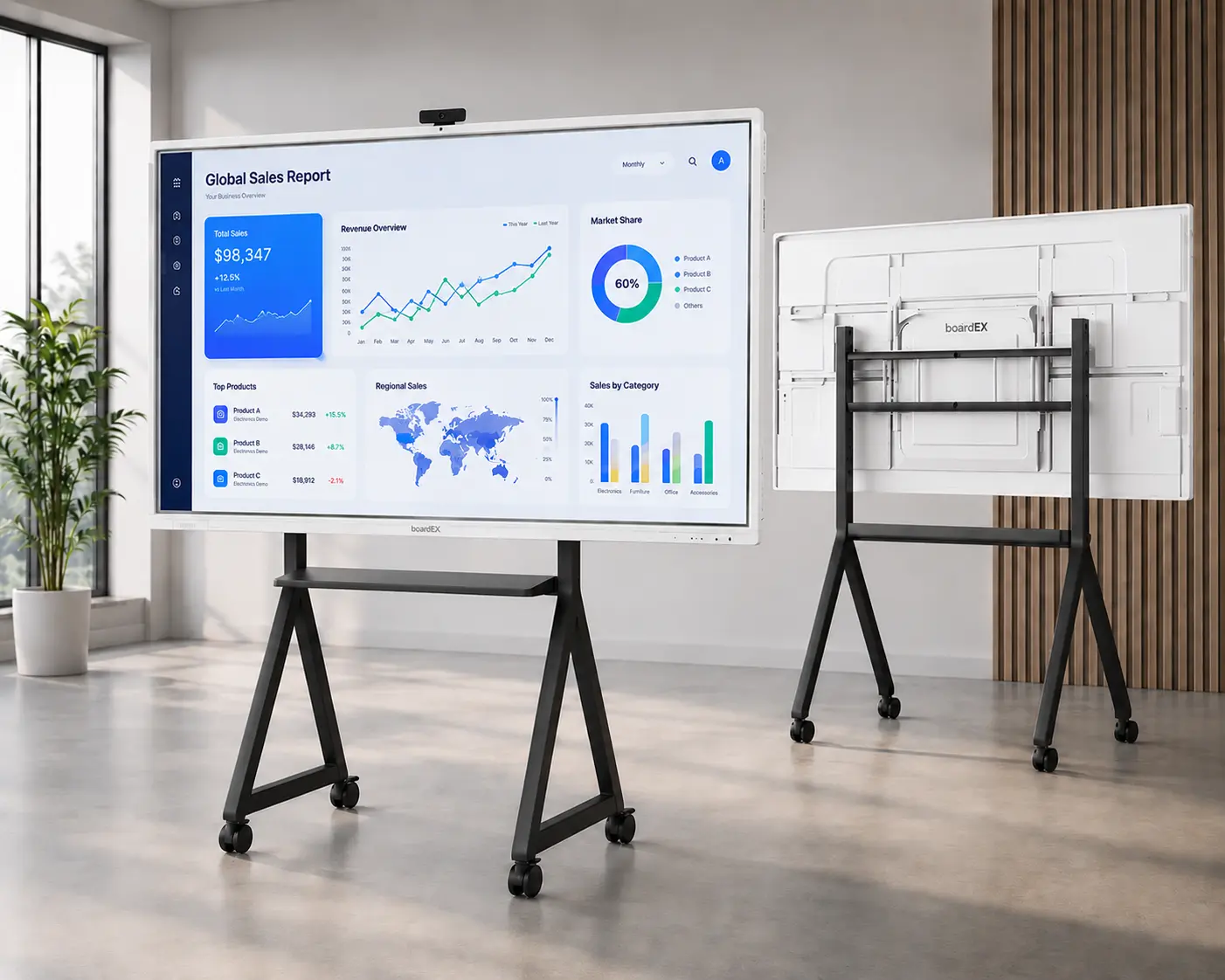
Start by considering where the panel will be installed and how people will use it. A small classroom may work well with a 65-inch display, while a larger classroom or meeting room may benefit from a 75-inch or 86-inch screen.
Resolution is equally important. A 4K Ultra HD display provides sharp text, clear images, and detailed visuals. This is particularly useful when teachers display diagrams, presentations, videos, and digital learning materials.
Also, check the brightness and viewing angles. Students should be able to read the content comfortably from different parts of the classroom.
What to compare: Screen size, resolution, brightness, viewing angles, and overall display clarity.
2. Touch Accuracy and Writing Experience
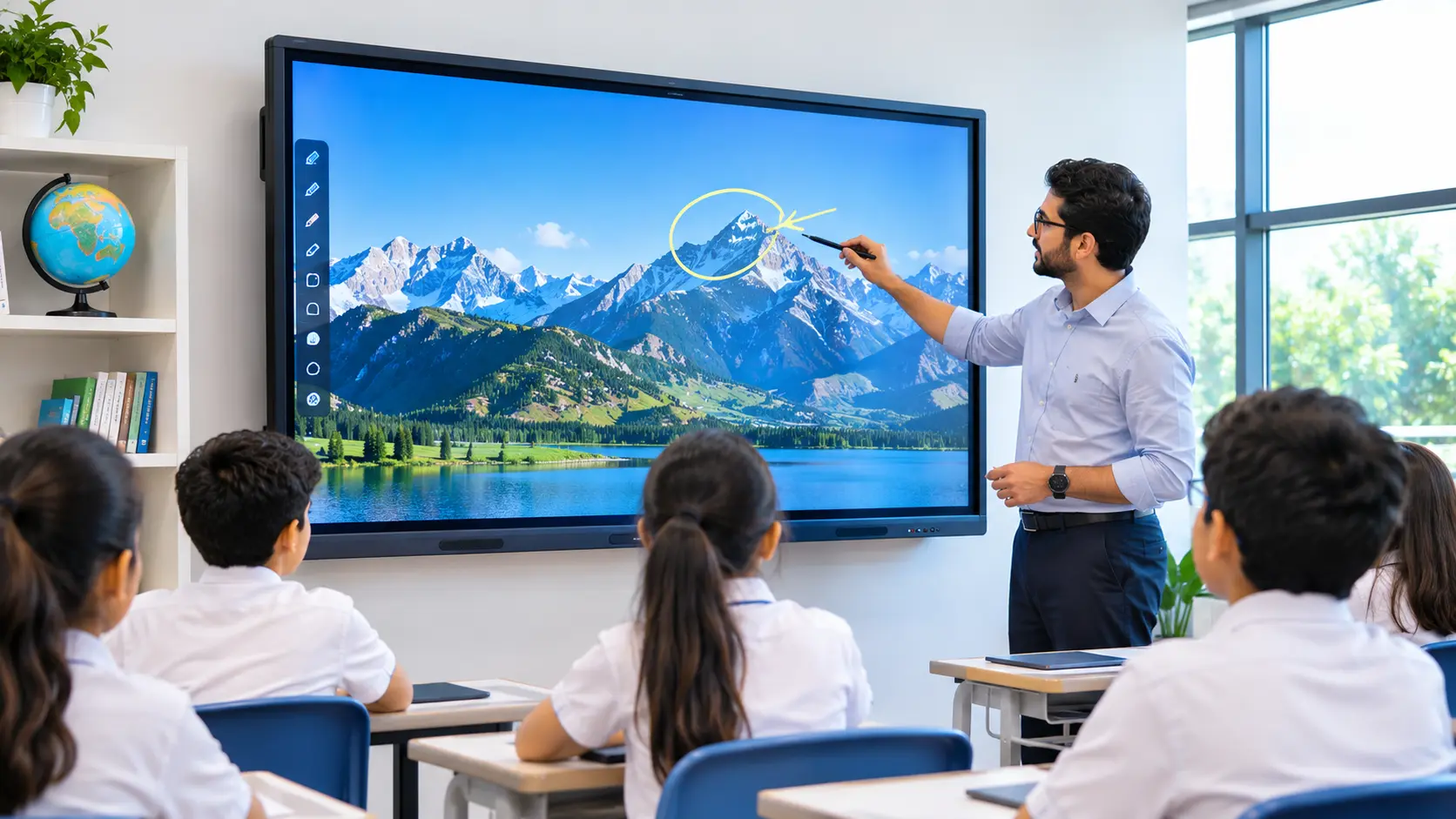
An interactive flat panel should make writing and drawing feel natural. Teachers need to annotate presentations, solve equations, highlight important points, and move between applications without unnecessary delays.
Touch accuracy matters just as much as the number of touch points. Multi-touch technology allows several students to interact with the screen at the same time, making group activities more engaging.
Before purchasing, ask for a live demonstration. Try writing on the panel, erasing content, zooming into images, and using different gestures.
What to compare: Touch response, writing accuracy, supported touch points, and ease of use.
3. Operating System and Performance
The operating system determines how teachers access applications and manage classroom activities. Many interactive panels use Android, while some support Windows through an optional or built-in computer module.
Do not compare operating systems alone. Check the processor, RAM, storage, software compatibility, and ability to handle everyday tasks smoothly.
For example, a school that regularly uses educational applications, digital presentations, and online resources should choose a panel that supports its existing teaching methods.
What to compare: Operating system, processor, memory, storage, software compatibility, and upgrade options.
4. Built-in Educational Features
Not every interactive panel offers the same software features. Some provide basic digital whiteboarding and annotation tools, while others include AI-powered lesson planning, quiz generation, mind map creation, and other classroom applications.
These tools can help teachers prepare lessons, explain difficult concepts, and encourage student participation. However, the most useful features depend on the school’s requirements.
Ask suppliers to demonstrate the features instead of relying only on brochures. Also, confirm whether the software is included in the purchase price or requires a separate subscription.
What to compare: Whiteboarding tools, annotation, educational applications, AI features, and software licensing costs.
5. Connectivity and Screen Sharing
Teachers often use laptops, tablets, and smartphones to prepare or present learning materials. A panel should make it easy to connect these devices without interrupting the lesson.
Look for essential connections such as HDMI, USB, and USB-C, along with Wi-Fi and wireless screen-sharing options where required.
Check whether the panel works with the devices and operating systems already used by your staff. This can reduce setup difficulties and help teachers move between resources more easily.
What to compare: Available ports, wireless connectivity, device compatibility, and screen-mirroring options.
6. Durability and Eye Comfort
Interactive panels are used regularly, so their build quality matters. Toughened glass can help protect the display from everyday classroom use, while anti-glare technology can reduce distracting reflections.
Eye-care features may also improve viewing comfort during long lessons. However, specifications vary by model, so check the actual product details rather than assuming every panel offers the same protection.
For schools in Sharjah, consider how frequently the display will be used and how many students will interact with it each day.
What to compare: Glass protection, anti-glare technology, build quality, and available eye-care features.
7. Installation and After-Sales Support in Sharjah
Buying the panel is only one part of the process. Schools may also need wall mounting, a mobile trolley stand, cable management, and initial setup.
After-sales support is equally important. Technical problems can interrupt lessons, so ask suppliers about warranty coverage, repair procedures, replacement parts, and local service availability.
Teacher training is another factor worth considering. Even a feature-rich panel may remain underused if teachers do not know how to operate it effectively.
What to compare: Installation charges, warranty terms, local technical support, repair timelines, and training.
8. Price and Long-Term Value
When comparing an interactive smart board Sharjah, avoid making your decision based on the purchase price alone. Two panels may look similar but offer different software, hardware, warranties, and support services.
Ask suppliers for a detailed quotation covering the display, installation, accessories, software licences, training, and maintenance where applicable.
A lower-priced model may be suitable for basic needs, while another option may provide better value through stronger specifications or useful built-in tools. The right choice depends on your budget and how the panel will be used.
What to compare: Total purchase cost, additional fees, warranty, maintenance, and expected long-term value.
Choosing the Right Interactive Flat Panel in Sharjah
The best panel is not necessarily the most expensive or the one with the longest feature list. It is the one that meets your requirements, fits your budget, and remains practical for everyday use.
Before purchasing an interactive flat panel Sharjah, compare specifications, test the touch experience, review the software, and understand the support offered by the supplier.
If you are exploring a smart interactive display Sharjah, take time to evaluate how each option supports your teaching or presentation needs. A careful comparison today can help you make more investment for the future.