
Imagine buying a smart board for your school, only to discover that the screen is too small, the software costs extra, and nobody knows how to use half its features! Sounds like an expensive classroom lesson, right?
Choosing an interactive smart board in the UAE involves more than comparing screen sizes and prices. The right panel should make teaching easier, encourage student participation, and work smoothly with your school’s existing technology.
So, before you sign that purchase order, here are 10 important questions to ask your supplier to make sure you’re investing in the right solution.
1. Which Screen Size and Resolution Are Suitable for Our Classrooms?
Not every classroom needs the same screen size. A smaller classroom may work well with a 65-inch display, while larger classrooms may benefit from a 75-inch or 86-inch panel.
Screen resolution is equally important. A 4K Ultra HD display provides clear images and readable text, helping students follow lessons even when they sit farther from the screen.
What to ask the supplier: Can you recommend a suitable screen size based on our classroom dimensions and seating arrangement?
2. Does the Interactive Touch Screen Have Anti-Glare Technology?
Bright lighting and sunlight can make it difficult for students to see a screen clearly. This can affect their attention, especially during long lessons.
When choosing an interactive touch screen Dubai schools can use daily, look for anti-glare glass and suitable brightness levels. Toughened glass is also worth considering because it helps protect the display during regular classroom use.
What to ask the supplier: Does the screen remain clear under classroom lighting, and what protection does the glass offer?
3. How Many Students Can Use the Screen at the Same Time?
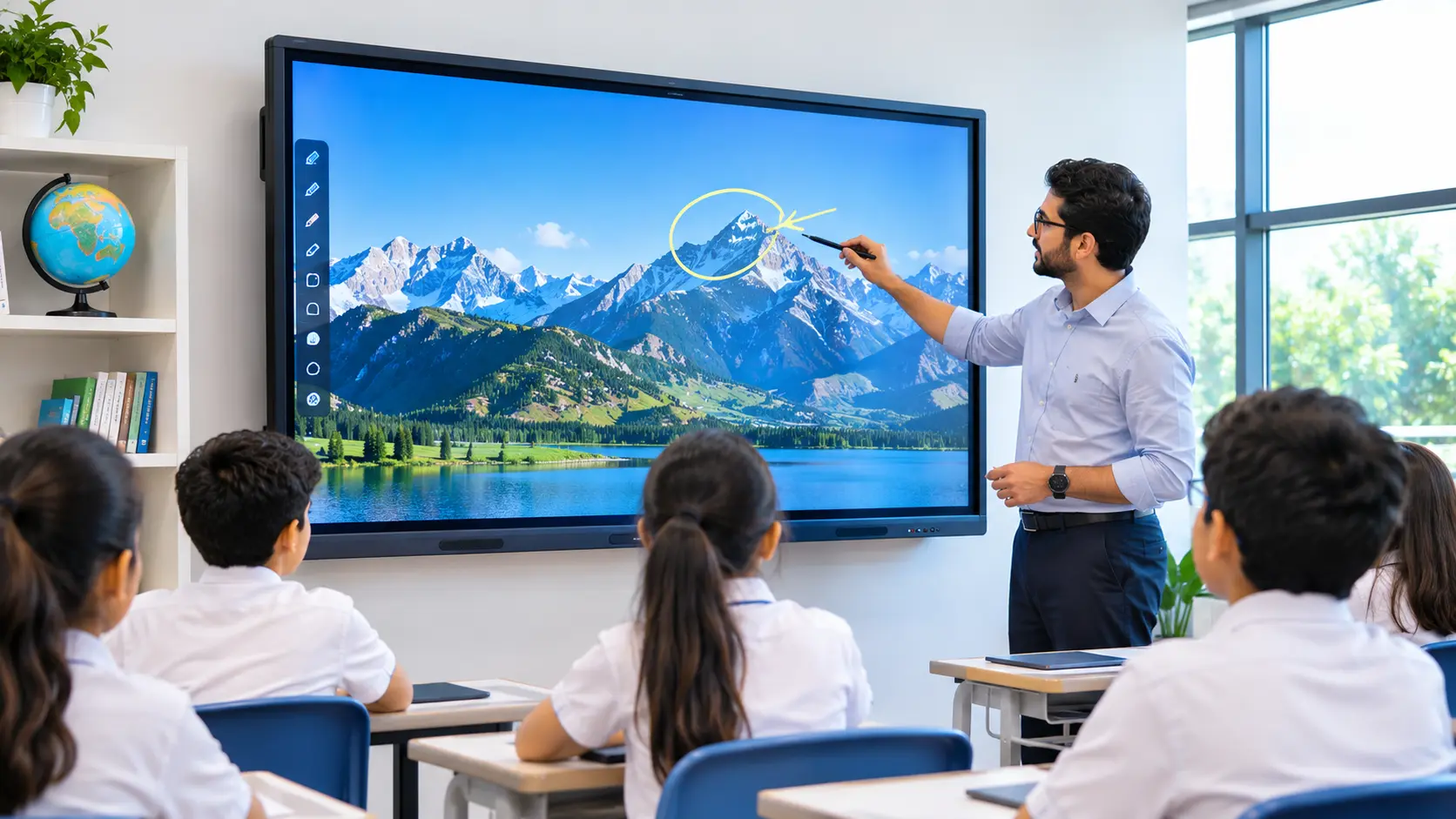
Interactive displays allow students to write, draw, solve problems, and participate in classroom activities directly on the screen.
Multi-touch technology makes these activities easier. Depending on the model, the display may support 20 or more simultaneous touch points, allowing several students to work together.
What to ask the supplier: How many simultaneous touch points does the panel support, and does it provide smooth, accurate writing?
4. Which Operating System Does the Smart Board Use?
The operating system determines which applications teachers can access and how easily they can use the display.
Many interactive panels come with Android, while some support an additional Windows system through an OPS computer module. The right choice depends on the school’s teaching software and existing devices.
What to ask the supplier: Which operating system is included, and can the panel support the applications our teachers already use?
5. Is Educational Software Included in the Price?
A smart board becomes more useful when teachers have access to tools that support everyday lessons. These may include digital whiteboards, annotation tools, quiz creation, lesson planning, tailored midmaps, and interactive learning activities.
However, not every supplier includes the same software. Some features may require separate subscriptions or paid upgrades.
What to ask the supplier: Which educational tools are included, and are there any additional licensing or renewal charges?
6. Can Teachers Share Content from Their Devices Easily?
Teachers may use laptops, tablets, and smartphones to prepare lessons. Sharing content between these devices and the interactive panel should be simple.
Look for connectivity options such as HDMI, USB-C, Wi-Fi, and wireless screen mirroring. Compatibility with different operating systems is also important when several teachers use the same classroom.
What to ask the supplier: Can teachers share their screens wirelessly, and which devices and operating systems are supported?
7. What Warranty and Technical Support Are Available in the UAE?
Even reliable technology may need maintenance or technical assistance. If a panel stops working during a lesson, teachers need access to timely support.
Before buying, check the warranty period, what it covers, and whether technical assistance is available locally. Also ask about response times and the process for handling repairs.
What to ask the supplier: What does the warranty cover, and how quickly can your UAE support team respond to a technical issue?
8. Will Teachers Receive Training?
Installing an interactive smart board is only the first step. Teachers also need to understand how to use its features effectively.
Training can help them use digital whiteboards, annotate documents, share content, and create interactive activities. Ask whether the supplier provides practical sessions, user guides, and follow-up support.
What to ask the supplier: Is teacher training included, and will support be available after installation?
9. Does the Price Include Installation and Setup?
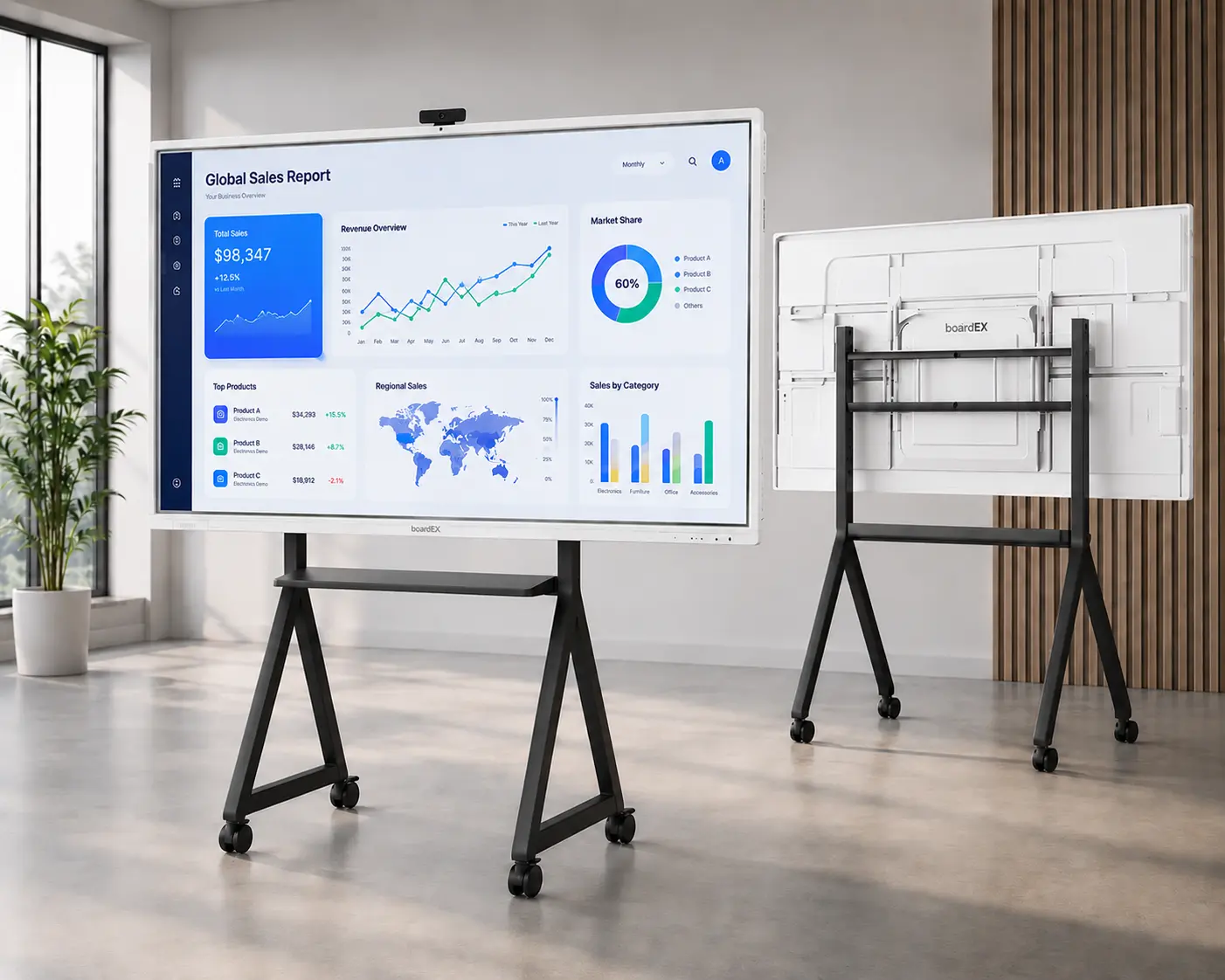
Installation requirements can vary depending on the classroom layout and the type of display. Schools may need wall mounting, a mobile trolley stand, suitable power connections, and additional cables.
These requirements can affect the final cost. It is better to understand them before confirming the purchase.
What to ask the supplier: Does the quotation include delivery, installation, mounting accessories, cabling, and initial setup?
10. What Is the Total Cost of Ownership?
The cheapest option is not always the most cost-effective. Schools should consider the full cost of using and maintaining the display over time.
Apart from the purchase price, check for software subscriptions, maintenance charges, replacement accessories, extended warranties, and future upgrades.
A reliable panel with useful features and dependable support may offer better long-term value than a cheaper model with limited assistance.
What to ask the supplier: Can you provide a complete quotation covering the initial purchase and any expected additional costs?
Make the Right Choice for Your School
Choosing an interactive smart board is about more than buying a large touchscreen. Schools need a solution that supports teachers, encourages student participation, and fits their everyday classroom requirements.
By asking these 10 questions, school administrators can compare suppliers more effectively and understand what they are paying for.
If you are exploring an interactive smart board UAE schools can use for modern teaching, take time to compare the display, software, connectivity, training, and support offered by each supplier.